Canvas 2 Photoshop Action
This post was published 10 years ago. Download links are most likely obsolete. If that's the case, try asking the uploader to re-upload.
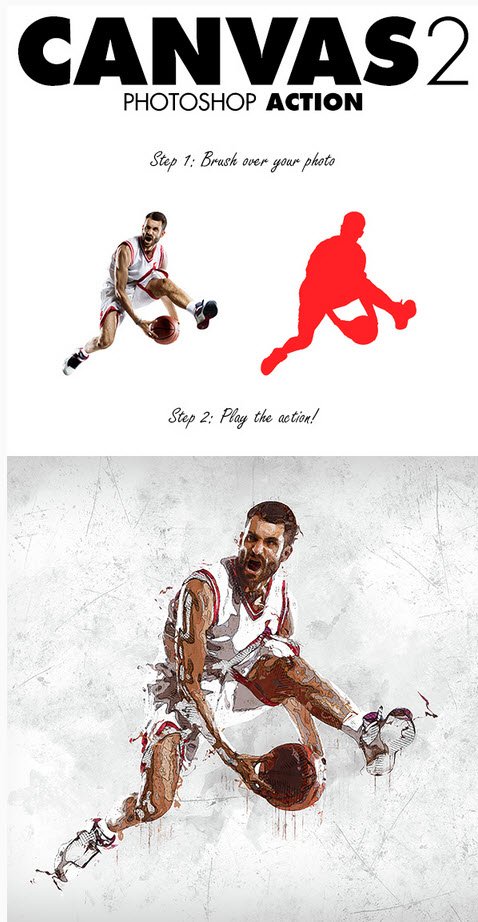
Graphicriver - Canvas 2 Photoshop Action
Photoshop ATN, ABR | CS3+ | 42 MB
Create high detailed abstract artworks from your photos the easy way. So what does this action do?
Uses advanced selection and masking techniques to create a unique visual style for your photos
Automatically creates a detailed grunge background
Allows you to re-color any aspect of the design
Keeps everything layered and structured well so you can experiment in all sorts of ways
Allows you to easily export your design on a transparent background
TIP: For really crisp thin line work, scale your photo into the range of 2500 – 5000px. The line work will appear much finer on high resolution photos. For example, if you open your photo and its size is 1500×2500px – then scale it upto 2500×3500px or higher.
The action has been tested and working on Photoshop CS3,CS4,CS5,CS6,CC+
The action will ONLY WORK IN THE ENGLISH VERSION OF PHOTOSHOP