PhysXPainter v2.0 for 3Ds MAX
This post was published 5 years ago. Download links are most likely obsolete. If that's the case, try asking the uploader to re-upload.
Requirement: 3dsmax from 2013 to 2021 | File size: 460 KB
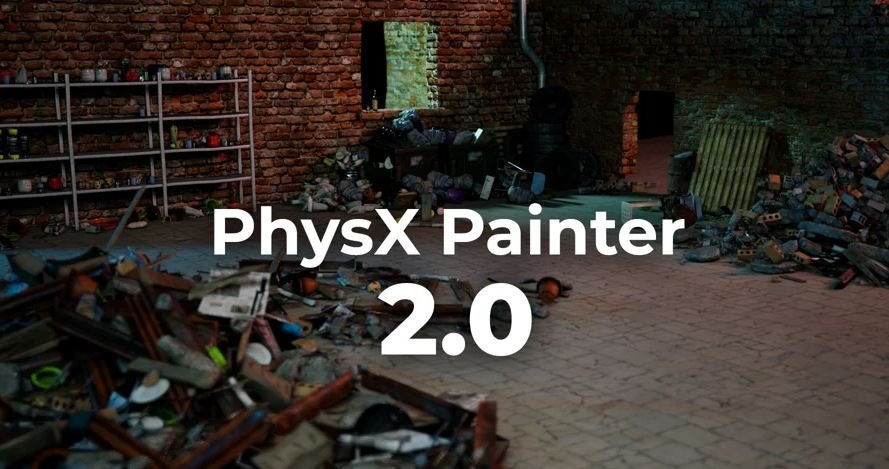
PhysX Painter is made to very quickly populate your scenes with your assets in a very natural way.
It allows you to create them using a brush,and automatically place them with Rigid bodies simulation.
Whether you work in architecture, game cinematics, commercials...etc you very often need to add details to your scenes with some assets. Placing them by hand is tedious and takes time to get a natural look. You also probably tried to do that with some MassFX simulations, but it takes a lot of time to get the result you want.Using this plugin will drastically improve your workflow and help you to make more believable scenes in less time.
Previous Features
- Use any asset you want, your own library or buy them somewhere.
- Percentage per asset.
- Paint and delete multiple assets.
- Paint one by one.
- PhysX simulations.
- Paint & re-Simulate locally.
- Re-Simulate all / selected.
- Prevent collisions even if you don't use the simulations.
- Save and reload brush presets.
- You can use a specific Gravity, like a directional one or a spherical for example.
- High def / Low def assets easy switching, or replace by specific mesh.
- Assets selection and collapsing options.
What's NEW in V2.0
PERFORMANCES
Better overall Performance.
No more asset optimisation needed, your Assets will be optimized for simulation automatically and non-destructively. You can also modify the optimisation from a custom modifier or from the Source Objects tab.
UI
New Icons.
Reset Default settings button.
Current UI settings are stored in the Helper, so each time you reopen from this helper, the previous Brush settings are restored.
Access the UI with the brush active to modify parameters for your next brush stroke.
SOURCES
We have now a Colliders list.
On Assets and Colliders list, new shortcuts for mass properties editing :
Ctrl + A : Select all
Ctrl + D : deselect ALL
Ctrl + I : Invert Selection
New select from scene button, to highlight in the list the selected assets from scene.
Modify the optimisation from here with the Vertex Count spinner.
BRUSHES :
UNDO !!!
The editable mesh limitation has been removed.
Paint over multiple Collider/Ground meshes
Data now stored on a PhysXPainter Helper.
One Paint brush
Alt to Delete
Shift to paint only one asset
Ctrl to activate simulation on painted assets.
Ctrl + Shift to modify the Distance.
Options orient to Normal and Directionas checkbuttons in the UI.
You can now edit parameters in UI with the brush still active.
Faster paint, even over a lot of meshes.
Distance value now based on the assets volumes, it's now more adaptable to different scene units.
3 Forces : Gravity, Attract and Explode
Strength parameter to adjust the Attract and Explode Force.
The Attract force can be adjusted during simulation.
Option to display the simulation state as wirecolor, or keep materials.
Position and Rotation Axes homothetic locks.
New Drop Brush
Ctrl + Shift to change the radius
Shift to change the drop height
Ctrl to change the Number of assets created, with visual placement grid.
Left Click to create.
ASSETS MANAGEMENT
Turn to Instance or Copy.
Display Low, you can choose to display the original mesh or the low res version used for simulation.
Big Speed improvements on the attach functions.
PHYSICS TAB
Controls on the ground collisions
Custom Gravity and Global Gravity Acceleration value. You can also adjust it during simulation
Homepage
Quick check before we show the links
Helps us keep automated scrapers from hammering the filehosts.