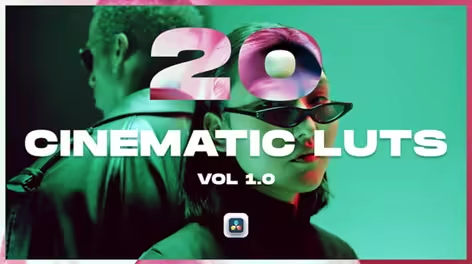
Videohive - 20 Cinematic LUTs Vol 1.0 for DaVinci Resolve – Professional Color Grading Pack - 62736505
DaVinci Resolve Version DaVinci Resolve 19, DaVinci Resolve Studio 18, DaVinci Resolve 18, DaVinci Resolve Studio 17, DaVinci Resolve 17, DaVinci Resolve Studio 16, DaVinci Resolve 16, DaVinci Resolve Studio 15, DaVinci Resolve 15
Files Included DaVinci Resolve Project Files
File Size 36MB
Achieve stunning cinematic grades with 20 Cinematic LUTs Vol 1.0 — a professional color grading pack designed for colorists, filmmakers, and video editors working in DaVinci Resolve. Whether you’re grading a short film, documentary, or social content, these LUTs deliver polished, film-inspired results instantly.
What’s Included: • 20 premium .cube LUT files • Video tutorial: how to install and use the LUTs in DaVinci Resolve • Compatible with DaVinci Resolve 16 and above (Free & Studio)
Key Features: • Industry-standard .cube format — works natively in the Color page • Apply as a node LUT or via the Gallery — full flexibility in your node tree • Cinematic color palettes: warm tones, cool tones, teal & orange, film emulation, moody grades, log-friendly looks, and more • Non-destructive workflow — blend, mask, and adjust opacity freely per node • No plugins required — works with both DaVinci Resolve free and Studio editions
How to Apply in DaVinci Resolve: Color page → right-click a node → Add LUT → browse to your .cube file. Or drop them into your LUTs folder for permanent access from the gallery. The included video tutorial covers both methods step by step.
Compatible With: DaVinci Resolve 16, 17, 18, 19 (free & Studio)
Perfect For: Short films, documentaries, wedding films, travel vlogs, music videos, YouTube content, social media reels, brand videos, and commercial productions.
Quick check before we show the links
Helps us keep automated scrapers from hammering the filehosts.