HDRsoft Photomatix Essentials 4.2 (x64) Portable
This post was published 8 years ago. Download links are most likely obsolete. If that's the case, try asking the uploader to re-upload.
File Size: 31 MB
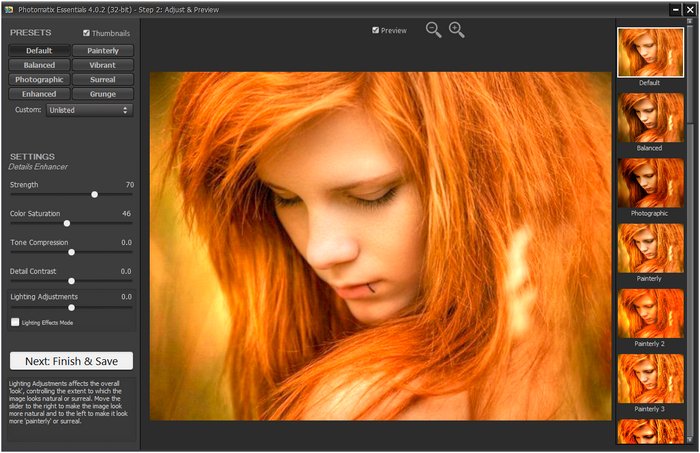
HDRsoft Photomatix Essentials easy-to-use program to create HDR photos and adjust them to get the look you want, from natural to artistic, using one-click presets and basic settings.
HDR Photography
Have you ever photographed a high contrast scene? If so, you know that even the best exposure gives you blown out highlights, flat shadows, or both. The solution is High Dynamic Range (HDR) processing:
- Merge to HDR, Tone Mapping and Exposure Fusion
- Automatic Alignment of hand-held photos
- Automatic Ghost Removal
- Simplified interface for an easy introduction to HDR Photography
Photomatix Essentials 4 is adding realistic-looking tone mapping with Contrast Optimizer and Finishing Touch options among other updates. Photomatix Essentials is an easy-to-use HDR photography software intended for photographers who are new to HDR.
What's new
• New HDR method called Tone Balancer and associated 'Realistic' preset.
• EXIF data of source images are now fully preserved in the saved image.
• Support for recent camera models such as the Canon 6D Mark II and 5D Mark IV.
• Improved the consistency of how the settings adjustments sliders are listed on the left side of the Step 2 window: the Color Saturation and Brightness sliders are now available for all methods and positioned at the same place.
• Bug fixed (Windows only): When running under high display scaling setting, the 'Save' button wasn't accessible on the Step 3 window.
Requirements:
Windows 10 / 8 / 7 / Vista / XP
Homepage
Quick check before we show the links
Helps us keep automated scrapers from hammering the filehosts.