Optimizing Video Footage in After Effects
This post was published 10 years ago. Download links are most likely obsolete. If that's the case, try asking the uploader to re-upload.
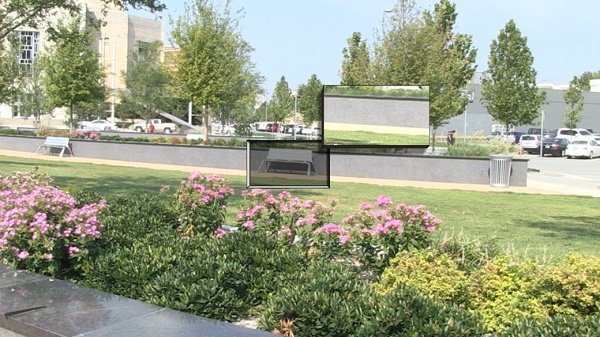
Digital-Tutors - Optimizing Video Footage in After Effects
41m | MP4 | Video: h264, yuv420p, 1280x720 30fps | Audio: aac, 44100 Hz, 2 ch | 322 MB
Genre: eLearning | Language: English
In this series of tutorials, we'll talk about some of they ways you can make improvements and corrections to video footage using After Effects.
We'll start by stabilizing shaky footage shot by a handheld camera. We'll use the Warp Stabilizer effect to smooth the motion in our shot and we'll talk about which settings to use for different types of footage and what results to expect.
We'll go through the process of using the clone stamp tool to remove specs left on our footage by a dirty camera lens. Then, we'll give brightness and vibrancy to a scene shot in poor lighting. Finally, we'll go through the process of removing a large object from moving footage by creating a filler in Photoshop and keeping it in place by using tracking data that's been exported from mocha.
By the end of this training you should have more confidence optimizing your video footage for your next project.
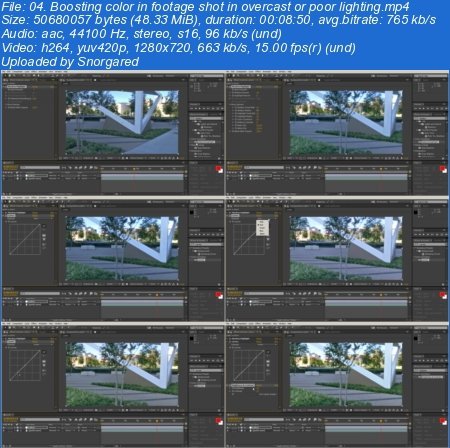
Screenshots
Screenshots

Password: sanet.me


http://nitroflare.com/view/7E06F548AC521F9/DTOptimizingVideoFootage_sanet.me.rar
.
.
.
~~~~ Welcome to my Blogs ~~~~
Do not forget to check it every day!
If You should find any files not found, please PM me

DownloadDownload: Software, Video Training

Ebook - Snorgared: Best Ebooks

Graphic World: Best Graphics

Android SAnet.me Collection Pack by Snorgared < Update Daily >