Getting Started with Azure App Service
This post was published 8 years ago. Download links are most likely obsolete. If that's the case, try asking the uploader to re-upload.

Microsoft Virtual Academy
MP4 | Video:1280x720 | Duration: 1 hours | 1.02 GB
Genre: eLearning | Language: English
What do you need to know to get started developing cloud-based applications with Azure? Find out, in this demo-rich highlights course, and get an overview of how to create your own Azure App Service web apps.
Explore methods for deploying to Azure, and see a demo of Git and FTP deployments. Get an introduction to Application Insights integration in .NET and JavaScript, and learn about continuous deployment and other deployment scenarios, including continuous deployment using VSTS and Git. Plus, explore diagnostics and the App Error Diagnostic Panel.
Learn
Meet the instructors, and take a look at the course syllabus.
Learn how to deploy a web app to Azure.
Get the details on implementing Application Insights.
See how to implement continuous deployment in your code projects.
Learn about implementing diagnostics in your code projects.
1 | Getting Started with Azure App Service: Part 1
Meet the instructors, and take a look at the course syllabus.
2 | Getting Started with Azure App Service: Part 2
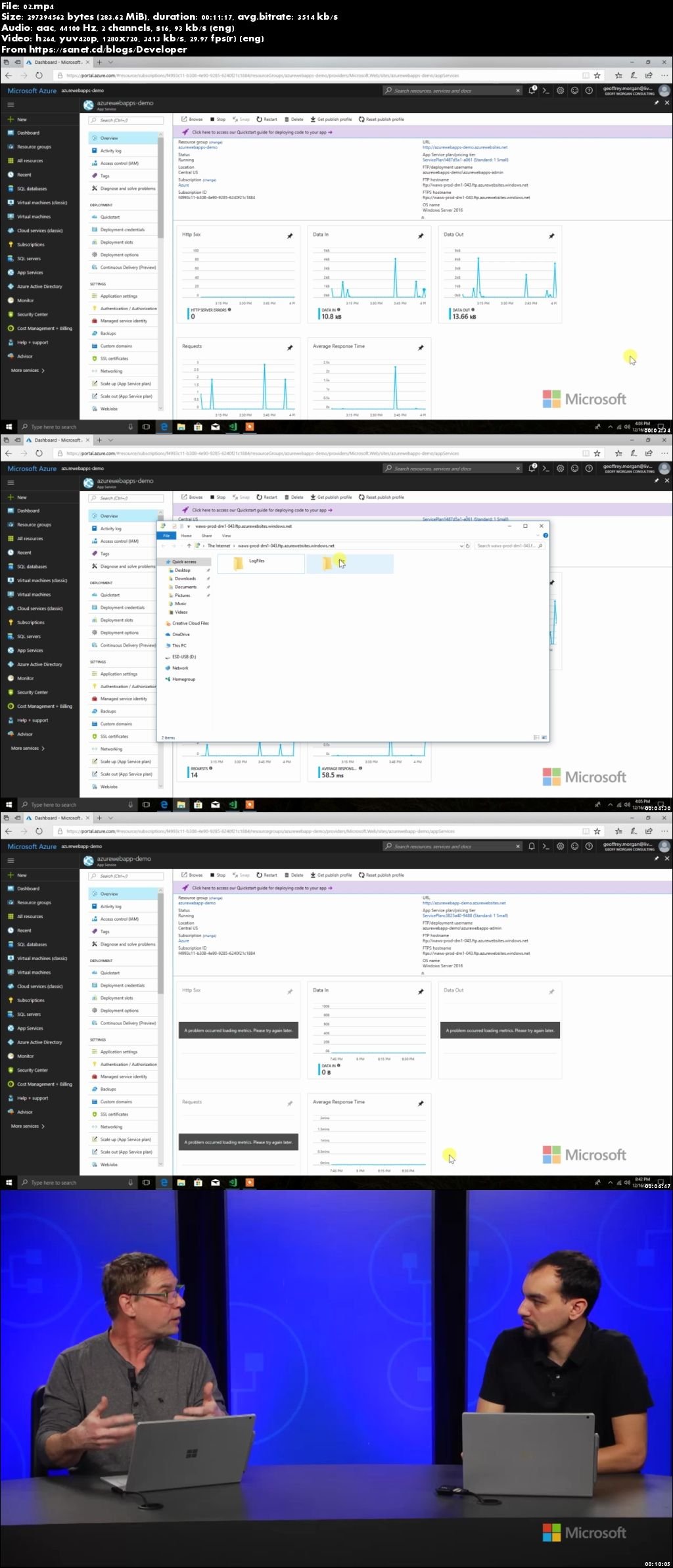
Explore methods for deploying to Azure, and see a demo of Git and FTP deployments.
3 | Getting Started with Azure App Service: Part 3
Get an intro to Application Insights integration in .NET and JavaScript, and then see demonstrations that show you how to integrate Application Insights in your code.
4 | Getting Started with Azure App Service: Part 4
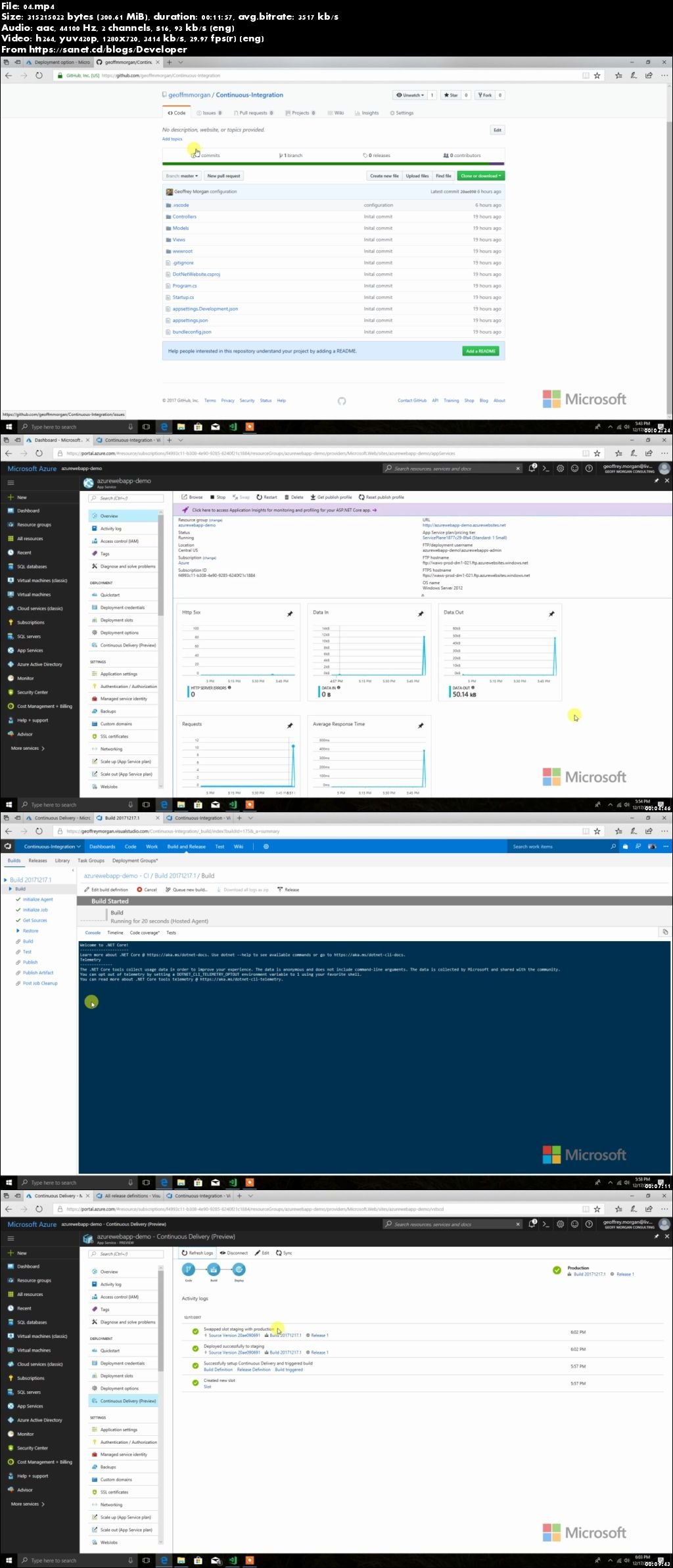
Learn about continuous deployment and other deployment scenarios, and see a demo of continuous deployment using VSTS and Git.
5 | Getting Started with Azure App Service: Part 5
Get the details on diagnostics and the App Error Diagnostic Panel, and then see a demo of the new diagnostic panel.
Screenshots
Quick check before we show the links
Helps us keep automated scrapers from hammering the filehosts.