Office 365 for Mac: PowerPoint Essential Training (Feb. 2018)
This post was published 8 years ago. Download links are most likely obsolete. If that's the case, try asking the uploader to re-upload.
MP4 | Video:1280x720 | Duration: 2h 45m | 1.39 GB
Genre: eLearning | Language: English | Level: Beginner
Learn how to create, edit, and share presentations with Microsoft PowerPoint—the powerful presentation and slideshow tool included with Office 365 for Mac. Jess Stratton shows how to build a slideshow from scratch, and leverage PowerPoint templates and themes for quick construction. Jess then demonstrates how to add and edit text, images, graphs, video, and animation; format slides for consistency; and add speaker notes and transitions to ensure a smooth delivery. Plus, discover how to collaborate on changes and then share the final presentation via print, PDF, or custom slideshow.
Topics include
Connecting PowerPoint to OneDrive
Creating presentations from themes and templates
Using slide masters
Changing the layout or theme
Adding pictures and objects
Working with bullet points, text boxes, and tables
Adding shapes, diagrams, and charts
Incorporating video, audio, and animation
Adding speaker notes and comments
Running a slideshow
Reusing and sharing PowerPoint presentations
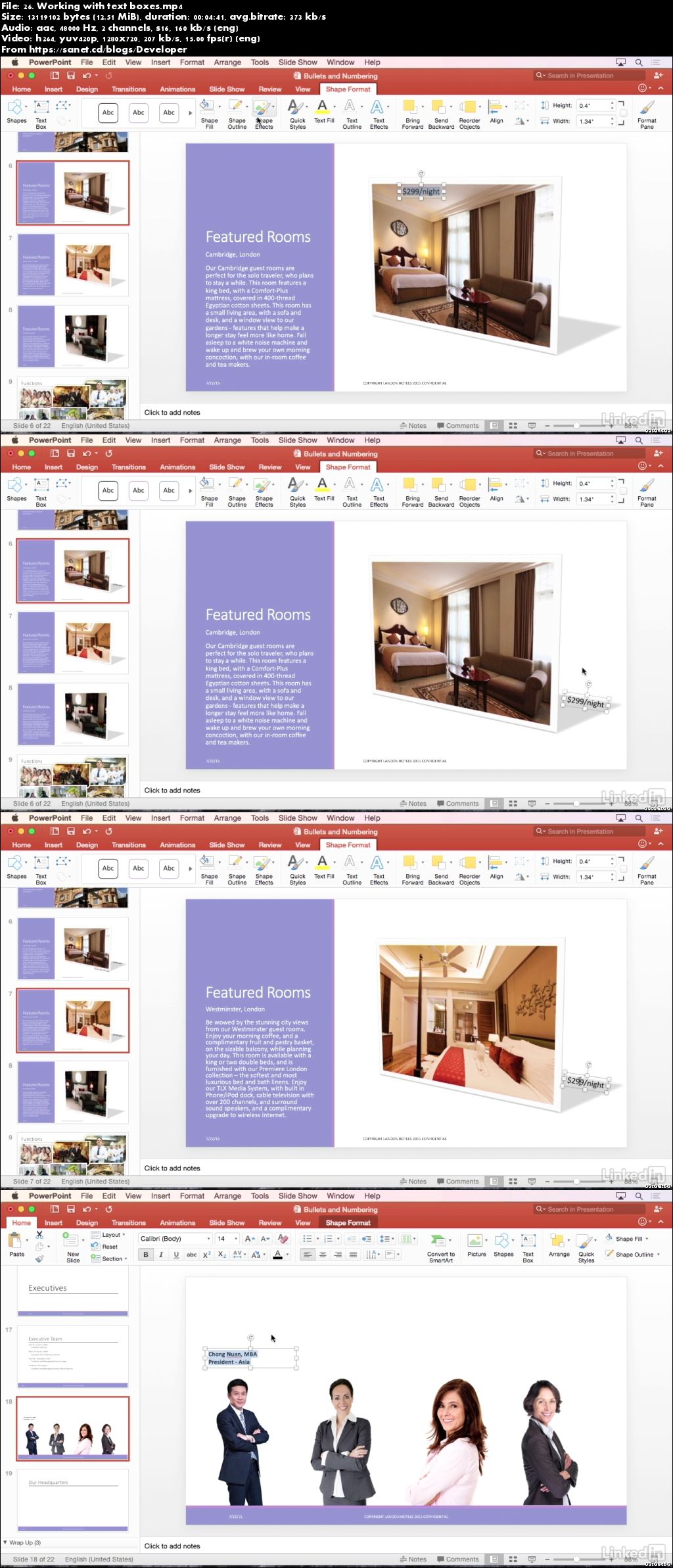
Screenshots
Quick check before we show the links
Helps us keep automated scrapers from hammering the filehosts.