R Programming in Data Science: Setup and Start
This post was published 8 years ago. Download links are most likely obsolete. If that's the case, try asking the uploader to re-upload.

MP4 | Video: AVC 1280x720 | Audio: AAC 48KHz 2ch | Duration: 1:42:38 | 278.4 MB
Genre: eLearning | Language: English
R is powerful, but not intuitive. There is a strong and diverse R ecosystem, and data scientists are expected to mix and match from the different versions and packages. Before you can even begin programming, you have to choose, install, and set up R to work for you.
In this course, Mark Niemann-Ross provides a direct and efficient introduction to the many flavors of the R programming language, including base R, tidyverse R, R Open from Microsoft, and Bioconductor R. He also provides a peek at programming with R interactively and via the command line, and introduces some helpful packages for working with SQL, 3D graphics, data, and clusters in R. At the end of this short course, you will have installed a version of R along with a few core libraries and an optimized IDE.
Topics include:
Installing R on Windows, Macintosh, and Linux
Choosing a development environment
Installing useful libraries
Using R at the command line
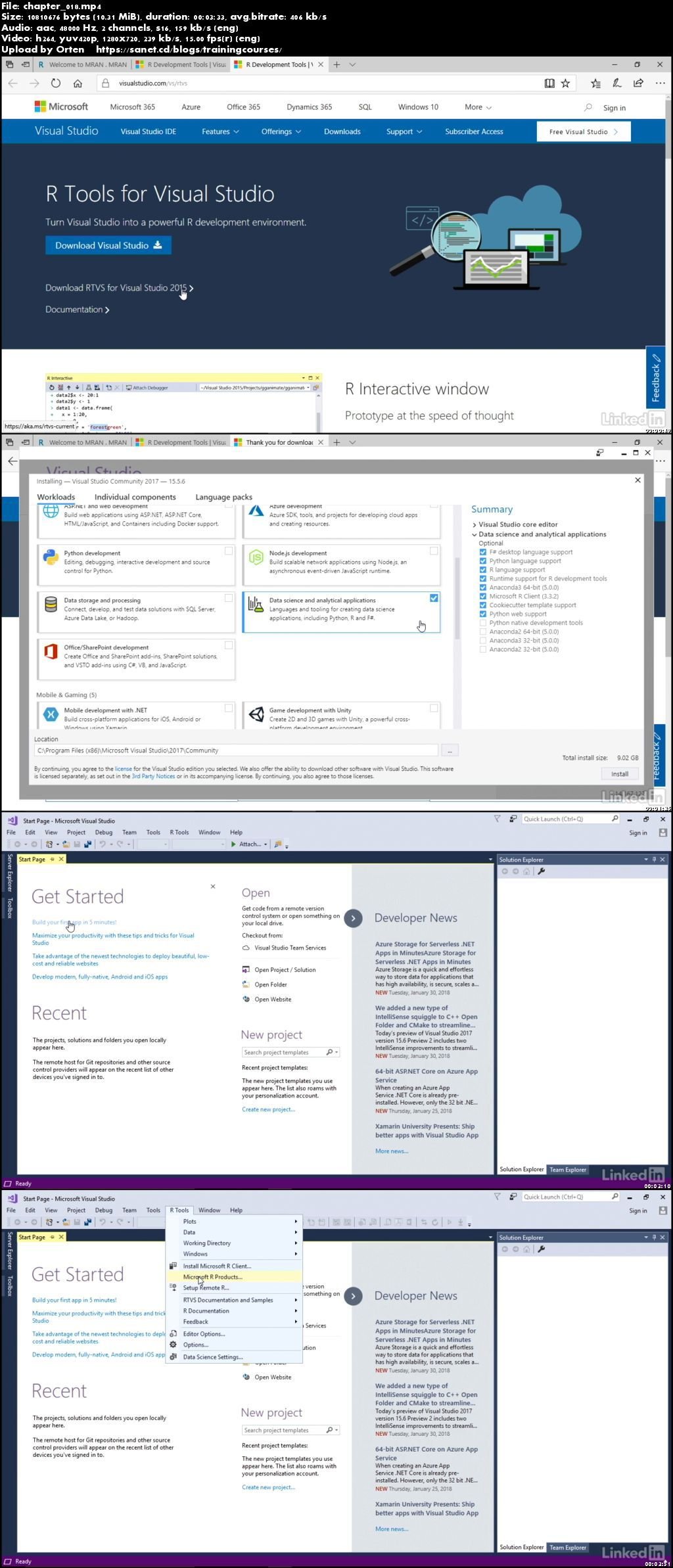
Screenshots
Quick check before we show the links
Helps us keep automated scrapers from hammering the filehosts.