CompTIA A+ (220-901) Cert Prep: 5 Networking (Update 2017)
This post was published 7 years ago. Download links are most likely obsolete. If that's the case, try asking the uploader to re-upload.
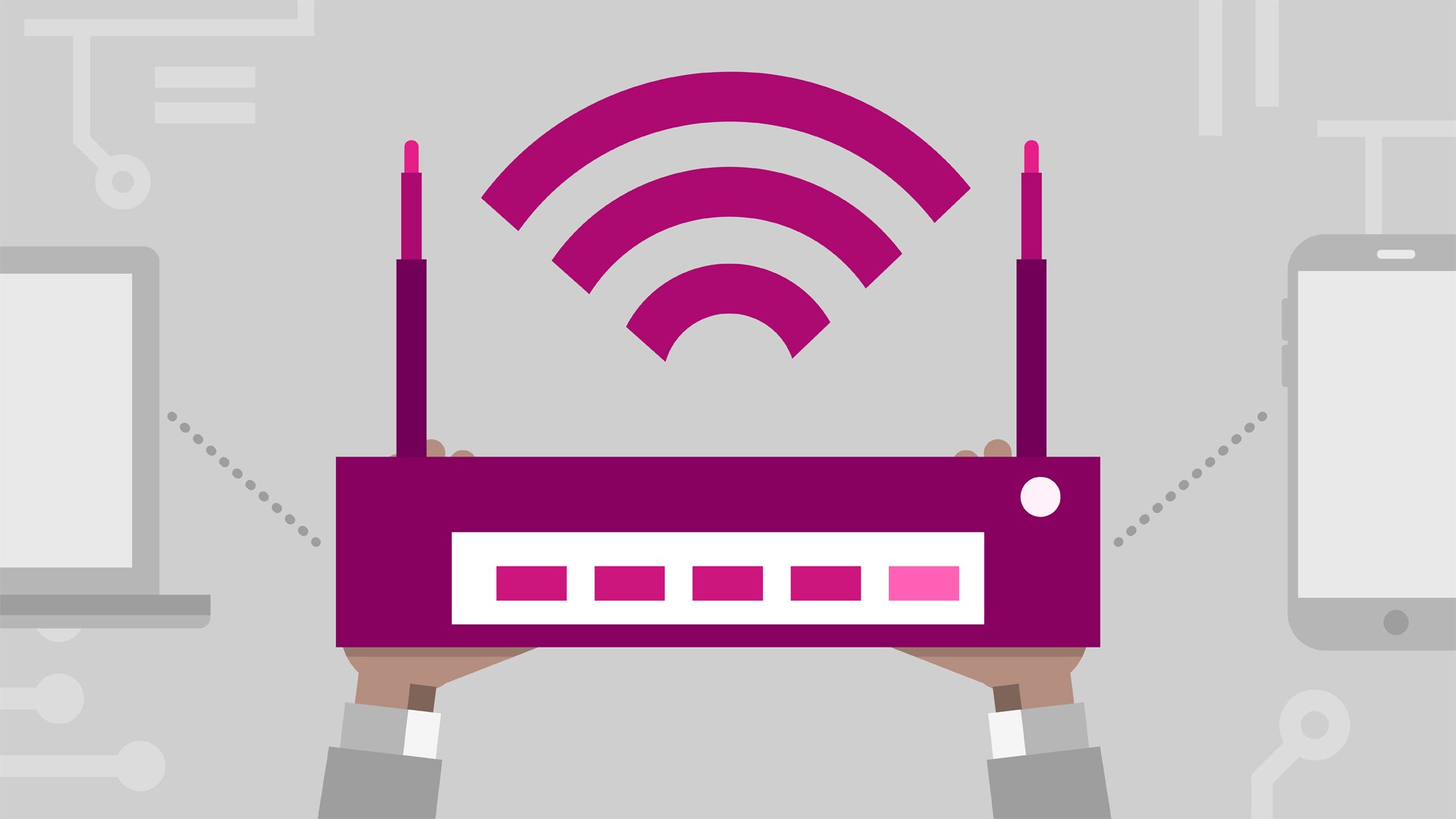
MP4 | Video: AVC 1280x720 | Audio: AAC 48KHz 2ch | Duration: 5 hours and 9 minutes | 2.05 GB
Genre: eLearning | Language: English
Earning a CompTIA A+ certification validates you've obtained the foundational knowledge and skills needed for a career in IT. This six-course series is designed to both equip you as a technician for your role in IT support, and prepare you for taking the 220-901 exam.
The CompTIA A+ 220-901 exam is comprised of six key parts. The fifth, networking, is covered by this course. Instructor Mike Meyers provides an introduction to networking by exploring cables, network IDs, IP addresses, and ports. He explains how to deal with a DNS, configure a router, and set up a wireless network while applying security standards. He also discusses Internet connections, including dial-up, broadband, wireless, and more.
Note: The six courses designed for the CompTIA A+ (220-901) exam preparation include core processing, core hardware, peripherals and building a PC, displays and printers, networking, and laptops and mobile devices.
We are now a CompTIA Content Publishing Partner. As such, we are able to offer CompTIA exam vouchers at a 10% discount. For more information on how to obtain this discount, please download these PDF instructions.
Topics include:
Working with network cables
Establishing a local area network (LAN)
Communicating using ping and ipconfig
Dealing with a DNS
Configuring routers
Setting up a wireless network
Troubleshooting internet connections
Connecting to a desktop remotely
Transferring files and selecting file sharing options
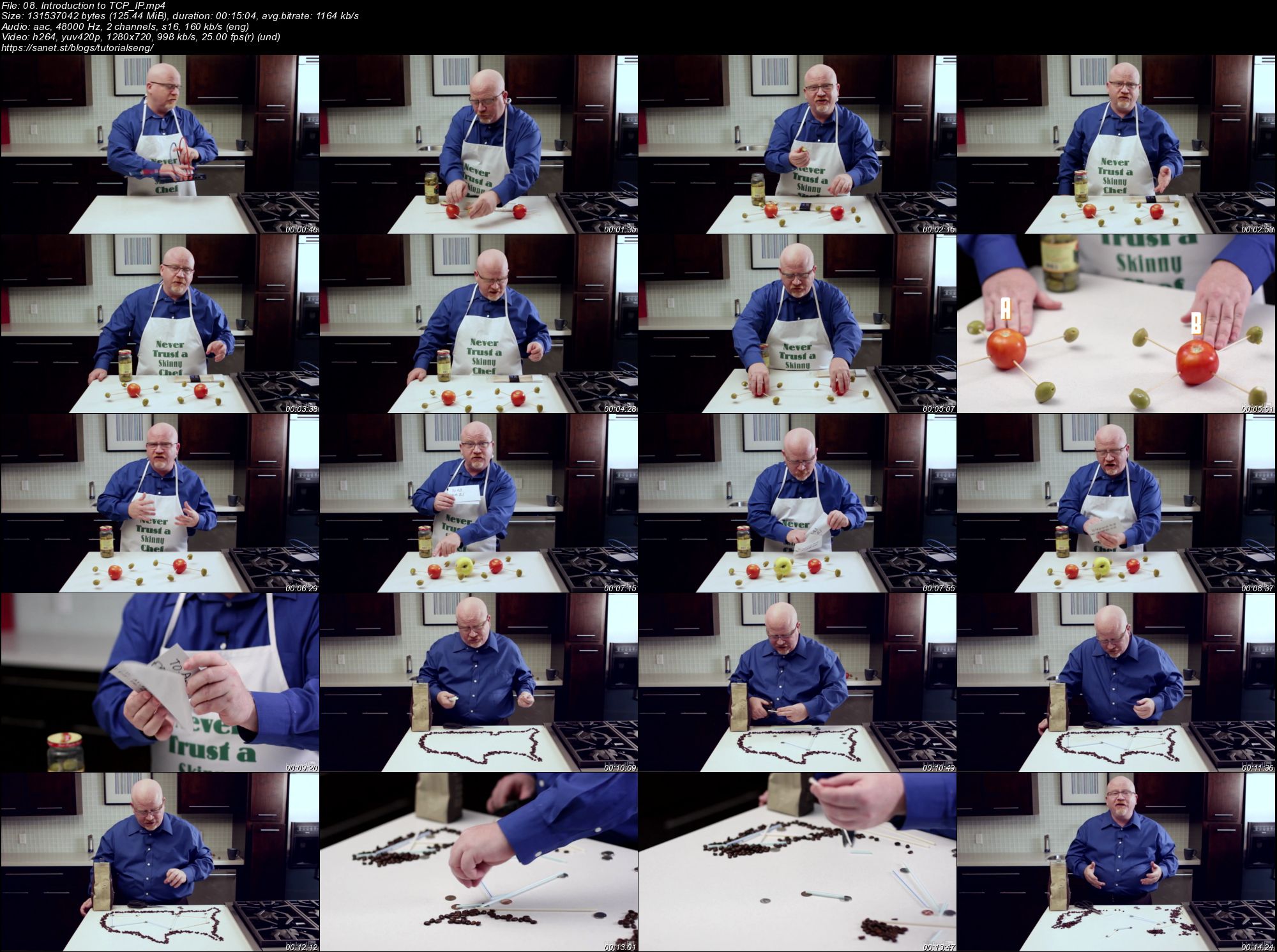
Screenshots
Quick check before we show the links
Helps us keep automated scrapers from hammering the filehosts.