Learning PowerPoint 2019
This post was published 7 years ago. Download links are most likely obsolete. If that's the case, try asking the uploader to re-upload.
MP4 | Video: h264, 1280x720 | Audio: AAC, 48 KHz, 2 Ch
Genre: eLearning | Language: English + .SRT | + Exercise Files
Level: Beginner | Duration: 1h 16m | 264 MB
Get started with PowerPoint 2019. This course is for anyone who's new to PowerPoint and would like to create and present slideshows and presentations. Staff instructor Garrick Chow begins by showing how to create a new presentation from scratch or by choosing a template from the hundreds available in the PowerPoint Presentation Gallery. Next, Garrick explains how to add content such as text, images, audio and video, and even links in PowerPoint slides. You can also learn how to add engagement with animated transitions, and export, share, and deliver your presentation.
Topics include
Creating a new presentation
Adding slides and sections
Adding and formatting text
Adding photos, audio, and video
Changing themes
Working with transitions
Presenting and navigating your slide deck
Saving to the cloud
Sharing and collaborating with others
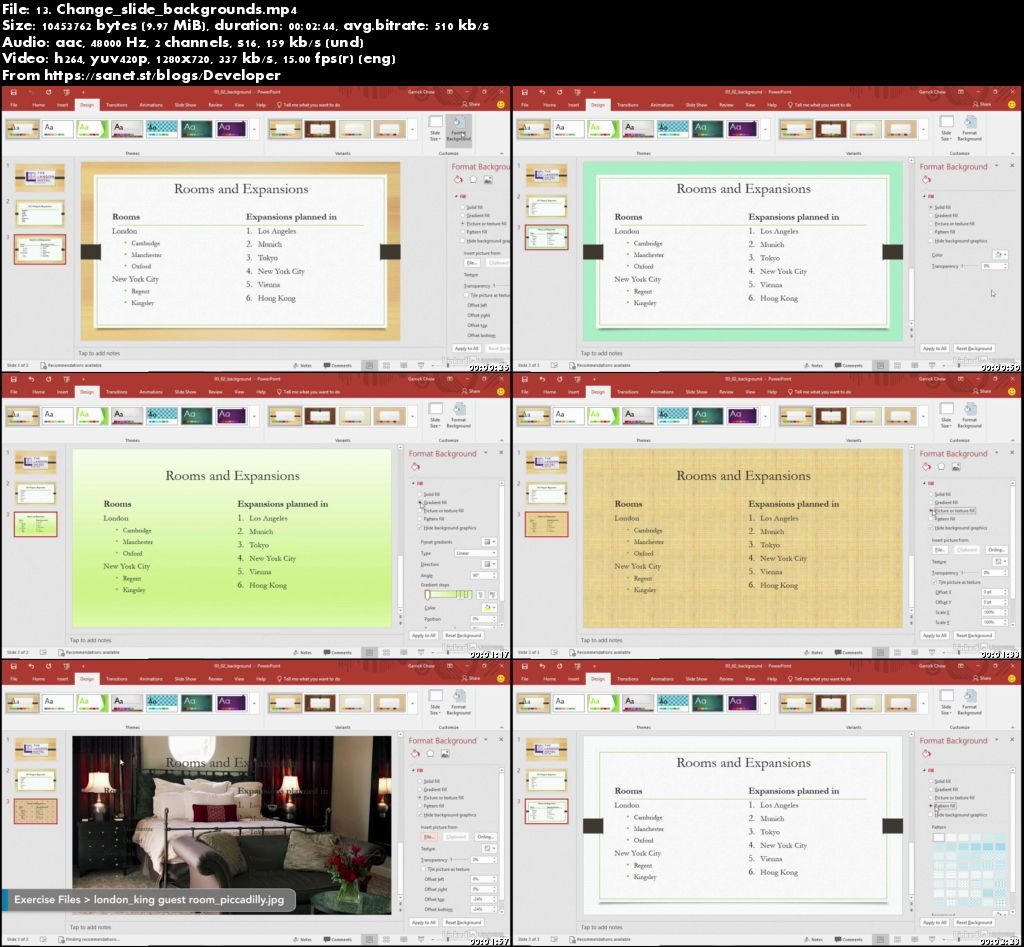
Screenshots
Quick check before we show the links
Helps us keep automated scrapers from hammering the filehosts.