CREATIVELIVE 10 Tips for Photoshop Beginners with Aaron Nace-LiQUiDWARE
This post was published 7 years ago. Download links are most likely obsolete. If that's the case, try asking the uploader to re-upload.
Duration:01:30|Video:AVC1280x720 | Audio:2125 KbpsAAC LCN/AN/A| File Size:1.3 GB|Language:English
Photoshop can be daunting for beginners and it is hard to know where to start. In this 90-minute Photoshop class, you’ll learn 10 actionable tips that will help you get the most out of Photoshop so you can start editing today.
Aaron Nace will start at the beginning. You’ll learn how to organize your files so you’ll always know where to find them. You’ll also learn about color settings, layers, masking and groups. Aaron will cover the commonly used tools in Photoshop and even teach you keyboard shortcuts so you’ll know how to work quickly and efficiently.
LESSONS
1
Tips for Photoshop Beginners
Duration:06:49
2
Saving for the Web in Photoshop
Duration:10:03
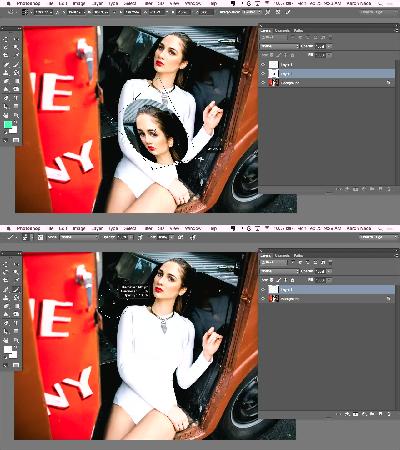
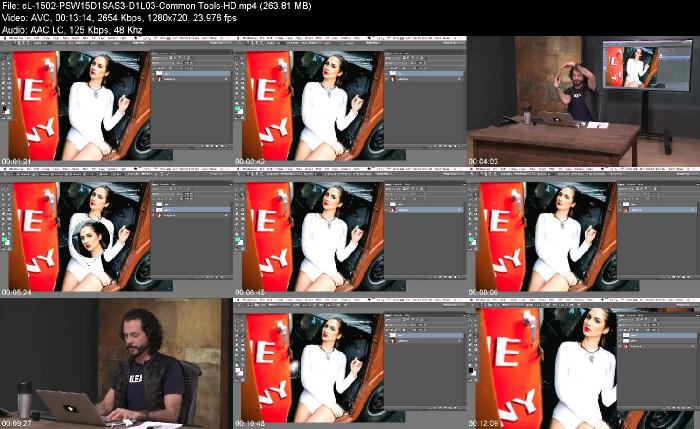
Start Learning Commonly Used Tools in Photoshop
Duration:13:15
Get to know the most frequently used features and functions in the Photoshop Tools panel.
4
Make the Most Out of Selections in Photoshop
Duration:07:53
5
Using Layer FX with Type Tool in Photoshop
Duration:09:31
6
Adjusting Color with Curves and Levels in Photoshop
Duration:08:32
7
Using Layers, Masking and Grouping in Photoshop
Duration:07:05
8
Keyboard Shortcuts and the Filter Gallery in Photoshop
Duration:08:39
9
Using Clone Stamp and Blending Options in Photoshop
Homepage
Screenshots
Quick check before we show the links
Helps us keep automated scrapers from hammering the filehosts.