Artstation - Creating a Subsurface Scatter Material in Substance Designer
This post was published 5 years ago. Download links are most likely obsolete. If that's the case, try asking the uploader to re-upload.
Duration: 2h 5min | Video: .MP4 1920x1080, 30 fps | Audio: AAC, 48 KHz, 2 channels | Size: 1.60 GB
Genre: eLearning | Language: English
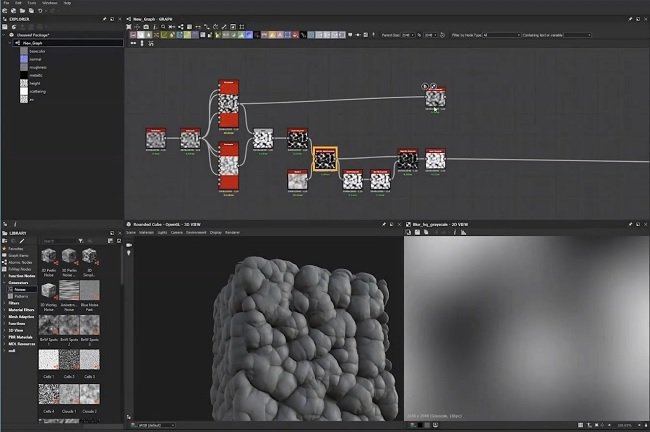
Learn how to create an organic-looking material in Substance Designer by implementing Subsurface Scattering mixed with hard surface. The course tackles how to separate materials and add contrast between two surfaces while making them feel cohesive. Tammekänd also walks through how to use Subsurface Scattering properly in Marmoset Toolbag.
Instructor: Enrico Tammekänd
Homepage
Screenshots

Quick check before we show the links
Helps us keep automated scrapers from hammering the filehosts.