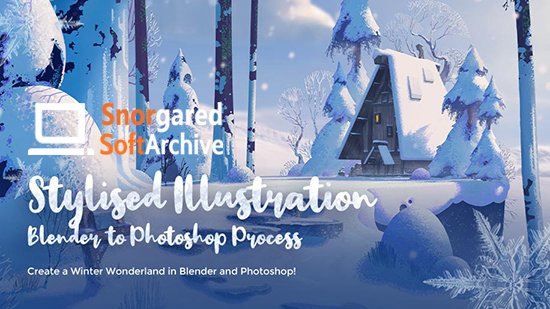
Stylised Illustration Tutorial - A Blender to Photoshop Process
This post was published 5 years ago. Download links are most likely obsolete. If that's the case, try asking the uploader to re-upload.
Wingfox
Duration: 13.5 hours | Project Files Included | Video: 1920x1080, 48kHz | 5.4 GB
Genre: eLearning | Language: English
Create a Winter Wonderland in Blender and Photoshop!
In this tutorial, I will show you how I translate my ideas from 3D to 2D in a beginner friendly way. I will also discuss lighting, framing and setting up a strong base to paint over in Photoshop. I've gone about this whole tutorial in a way that it's all the keys areas broken down into 45 videos spanning 5 - 30 mins.
Tutorial includes:
13+ hours of real time voiced over recorded content spanning 51 Videos
The final Blender Scene, Graphic Scene, Moonlight, Sunrise, Sunset and a darker scene
Kitbash Set
Final .PSD File
Cloud Map
jpegs of each step
3D Render Passes
PureRef file
Includes Custom Stylised Brushes for Photoshop & Procreate
Notepad doc with useful resources and links
20% Discount Code for the COOLORUS.com colour picker
Topics covered:
Basic Modeling, I use the Blender addon QuickShape for parts of this but I do try to provide alternatives as well
Vertex Painting
Scattering (Particle system)
Lighting in EEVEE Engine - Daytime, Sunset, Sunrise, Moonlight and a Darker scene
Framing
Cloud Maps
Texturing using Quixel
Rendering
In depth process of painting over a 3D base
Software used:
Blender (Addons - QuickShape )
Photoshop
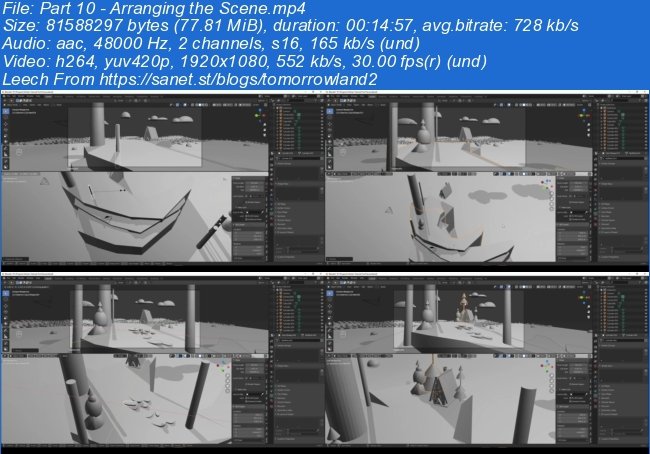
Screenshots
~~~~ Welcome to my Blogs ~~~~
Do not forget to check it every day!
If You should find any files not found, please PM me~ Download Download: Best Software for All
~ Tomorrowland2: Video Training
~ Pluralsight Tutorials: All Pluralsight Videos
~ EbookSA: Best Ebooks
~ Graphic World: Best Graphics
Quick check before we show the links
Helps us keep automated scrapers from hammering the filehosts.