How to Create a Glow Effect in Photoshop
This post was published 5 years ago. Download links are most likely obsolete. If that's the case, try asking the uploader to re-upload.
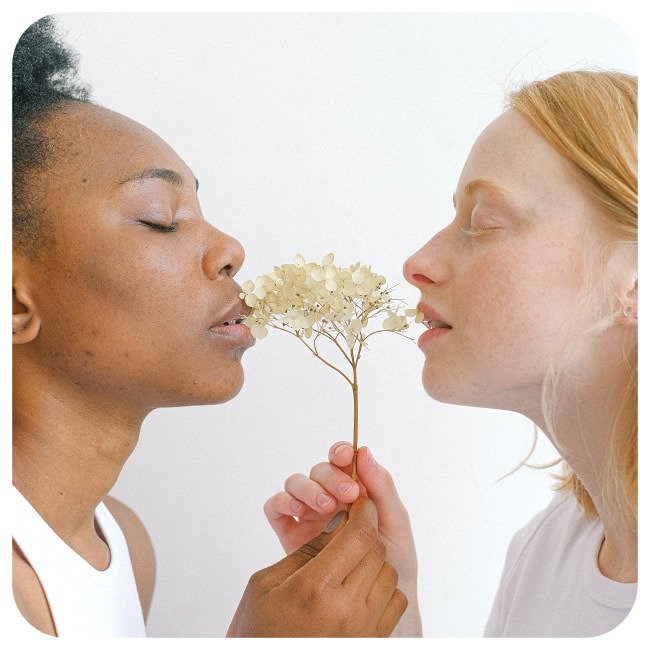
MP4 | Video: h264, 1920x1080 | Audio: AAC, 44.1 KHz, 2 Ch
Difficulty: Medium | Genre: eLearning | Language: English | Duration: 7 Lessons (2.25h) | Size: 2.18 GB
Make your photos shimmer, sparkle, glimmer, and glow! Follow along as we show you how create a realistic glow effect in Photoshop. Learn how to make any object glow, integrate a new light source into an environment, add floating fairy lights, and more.
We’re even including a custom Photoshop Brush and the completed PSD to help you along the way!
Homepage
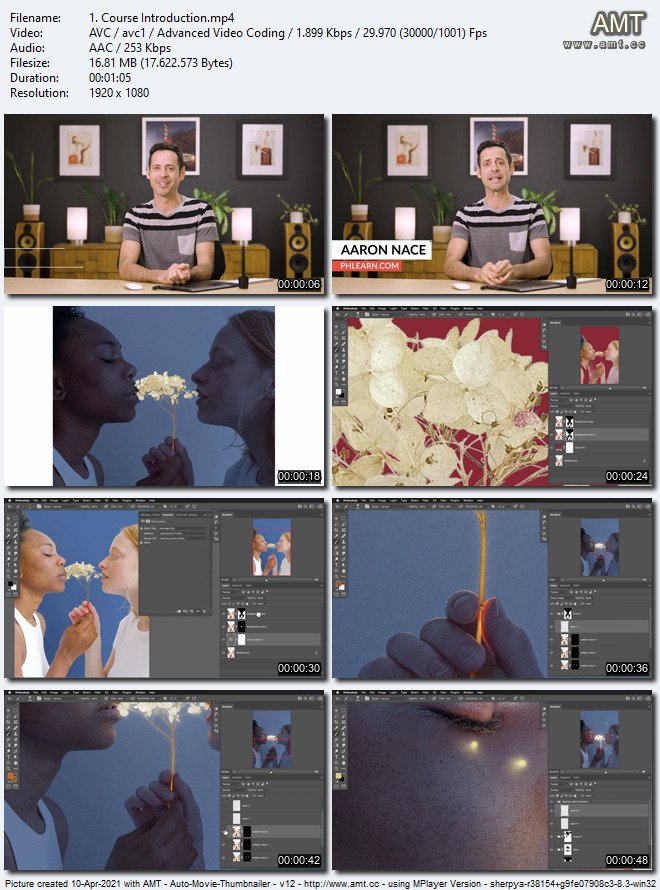
Screenshots
Welcome to My Blog - Check it Every Days
If you have any troubles with downloading, PM me
Please Buy Premium Account from my links to get high download speed and support me
Happy Learning!!
Quick check before we show the links
Helps us keep automated scrapers from hammering the filehosts.