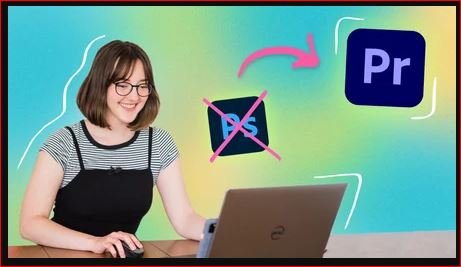
Edit Stop Motion GIFs FASTER in Premiere Pro (DITCH PHOTOSHOP)
This post was published 5 years ago. Download links are most likely obsolete. If that's the case, try asking the uploader to re-upload.
MP4 | Video: h264, 1280x720 | Audio: AAC, 44100 Hz
Language: English | Size: 444 MB | Duration: 31m
In this course, I'll show you how to turn your photos into animated GIFs at lightning speed using Premiere Pro.
If you've ever tried to make a GIF with your images in Photoshop, you know just how tedious it can be. The timeline window is clunky and exporting videos from Photoshop is downright painful. Let me teach you how to do this faster and way more easily in Premiere Pro.
This class was created with photographers, content creators, and small business owners in mind. You'll learn how to create a "boomerang style" GIF with your images. And unlike shooting the Boomerang in the Instagram app, the GIF you create is high-quality. You'll be able to take your new skills to create professional GIFs for your clients, brands, and your own business!
You'll learn:
- the basics of Premiere Pro
- how to set-up sequences and create presets
- how to assemble a GIF
- how to create a "boomerang" effect
- how to export your GIFs for different platforms
Let's start learning!
Screenshots
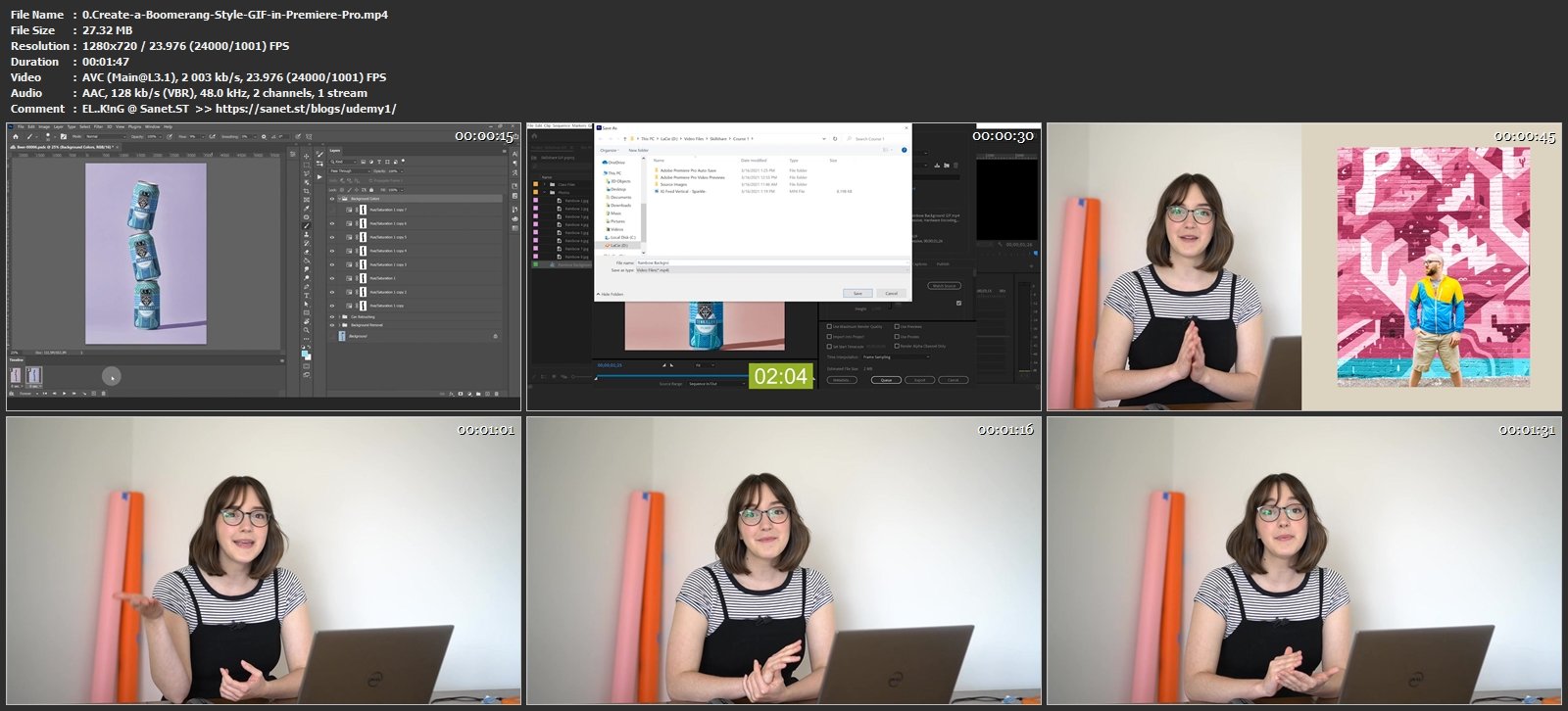
Homepage
Without You And Your Support We Can’t Continue
Thanks For Buying Premium From My Links For Support
Click >> Here & Visit My Blog Daily For More Udemy Tutorial. if You Need Update or Links Dead Don't Wait Just PM Me or Leave Comment at This Post
Quick check before we show the links
Helps us keep automated scrapers from hammering the filehosts.