How to Retouch & Composite Product Photography
This post was published 5 years ago. Download links are most likely obsolete. If that's the case, try asking the uploader to re-upload.
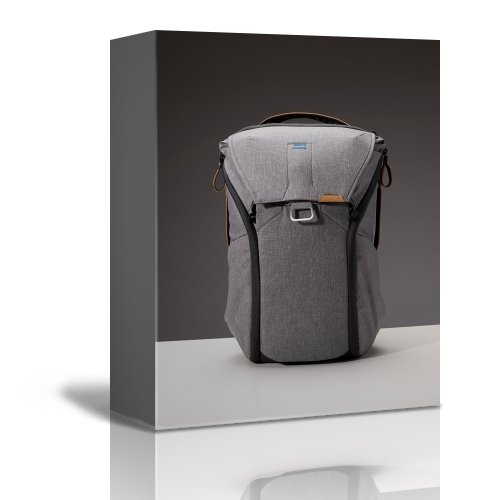
.TS | Video: h264, yuv420p, 1920x1080 | Audio: aac, 48000 Hz | Duration: 12h 35min | File Size: 17 GB
Genre: eLearning | Language: English
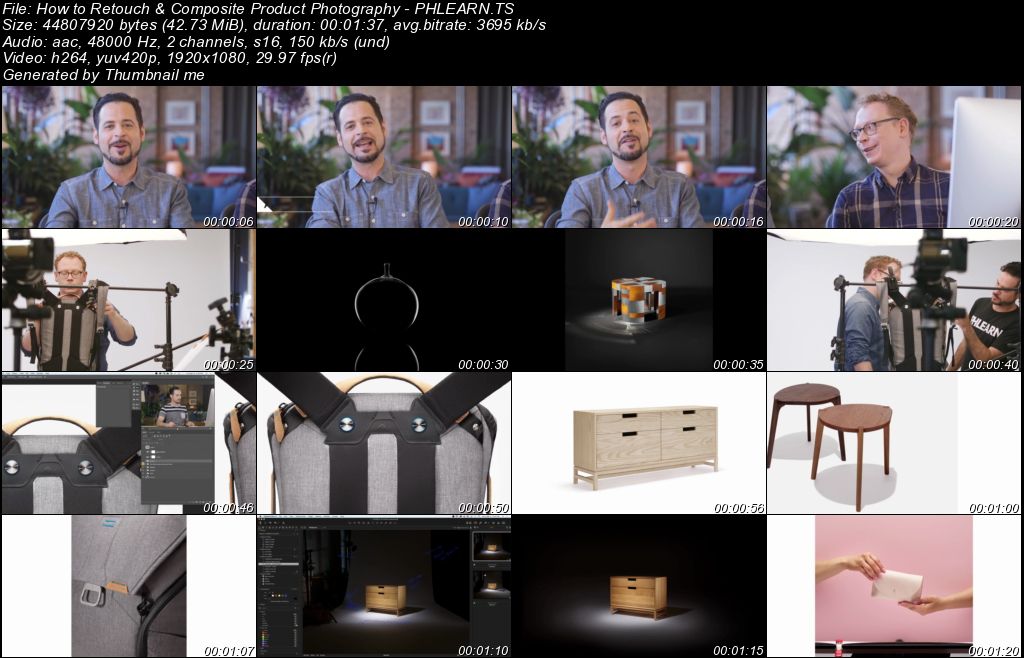
Capturing great product photos is only half the battle. In this tutorial, join Ross Floyd and Aaron Nace as they walk you through 10 professional product photo edits from start to finish. You will learn to cut out objects, create clean backgrounds, remove blemishes and distractions, sculpt and reshape products, and explore advanced techniques like frequency separation and dodging & burning.
If you enjoyed this course, be sure to watch The Ultimate Guide to Product Photography! An in-depth look at how these images were captured by professional product photographer Ross Floyd.
31 Sample Images
1 Frequency Separation Photoshop Action
1 Sharpen Photoshop Action
Homepage
Screenshots
Quick check before we show the links
Helps us keep automated scrapers from hammering the filehosts.