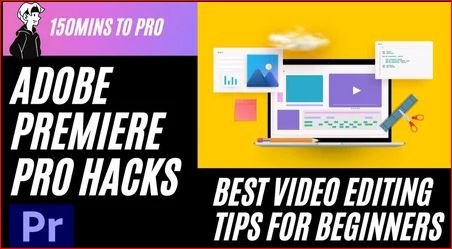
Adobe Premiere Pro Hacks- Best Video Editing Tips for beginners to Create Awesome Videos
This post was published 4 years ago. Download links are most likely obsolete. If that's the case, try asking the uploader to re-upload.
MP4 | Video: h264, 1280x720 | Audio: AAC, 44100 Hz
Language: English | Size: 2.04 GB | Duration: 2h 26m
Welcome to Adobe Premiere Pro Hacks the Best Video Editing Tips for beginners
By the end of this course, you'll learn how to edit professional videos in Premiere Pro and you'll complete an Awesome Vlogging Video with Cinematic effects!
Footage and audio included: You can follow along and learn by gaining instant, hands-on experience by downloading our included footage and audio. You can download all of the assets for this course here:
Download course resources here
This course will teach you how to:
Q and W key to speed up the workflow.
How to record your own voice.
How to reduce the file size of the video.
Speeding and reversing in the timeline.
How to fix shaky Footages
How to create cinematic black bars for your videos.
How to create a zoom effect in your videos.
How to create a video for Instagram.
How to sync Audio and video
How to merge audio clips.
How to quickly apply Transitions in your videos.
How to create a noise grain effect.
How to create a twirl effect in your video
How to create the Blur effect in your videos.
How to change the color of an object
How to use an adjustment layer to use LUT effect.
Four color gradient effect.
How to use color tint Effect.
And lots more!
By the end of this course, you will understand what it takes to create a professional video edit so that you can confidently move forward with the skills of a professional video editor.
You'll have a strong understanding of how to use Adobe Premiere Pro for creating Videos for any genre, be it content creation or even Editing Wedding Videos too!
Get started now with Adobe's video editing program today to create engaging visual and audio stories!
Screenshots
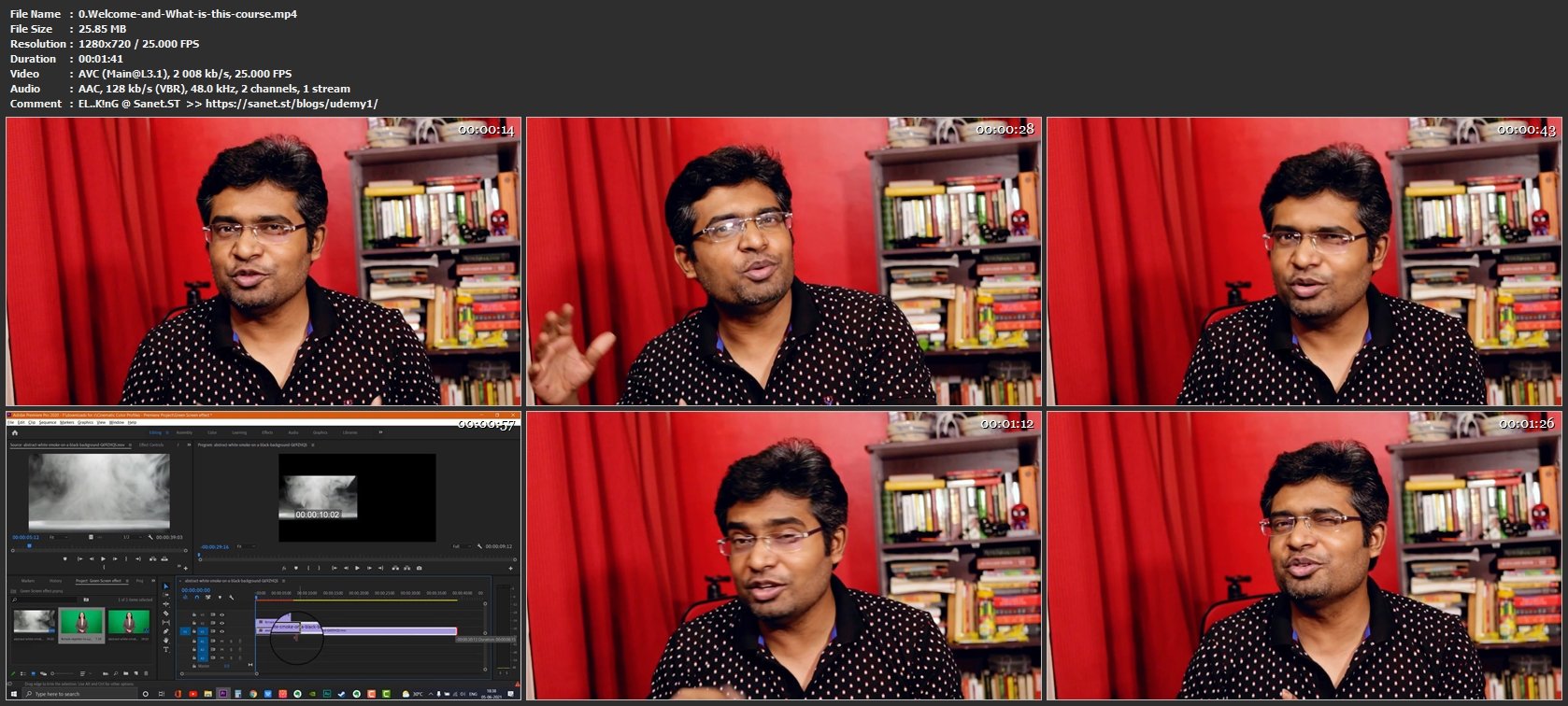
Homepage
Without You And Your Support We Can’t Continue
Thanks For Buying Premium From My Links For Support
Click >> Here & Visit My Blog Daily For More Udemy Tutorial. if You Need Update or Links Dead Don't Wait Just PM Me or Leave Comment at This Post
Quick check before we show the links
Helps us keep automated scrapers from hammering the filehosts.