How To Create A Site Plan In Autocad Lt 2019
This post was published 3 years ago. Download links are most likely obsolete. If that's the case, try asking the uploader to re-upload.
Last updated 4/2020
MP4 | Video: h264, 1280x720 | Audio: AAC, 44.1 KHz
Language: English | Size: 758.72 MB | Duration: 1h 0m
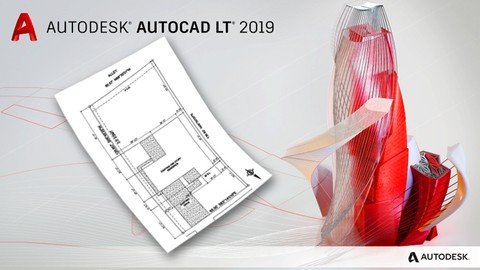
Learn a fast and easy method to Create Architectural Site plans using Autocad 2019
What you'll learn
After Taking this course students will be able to create or recreate an Architectural site plan in Autocad.
Requirements
Students should have a very basic knowledge of Architecture and drafting.
Description
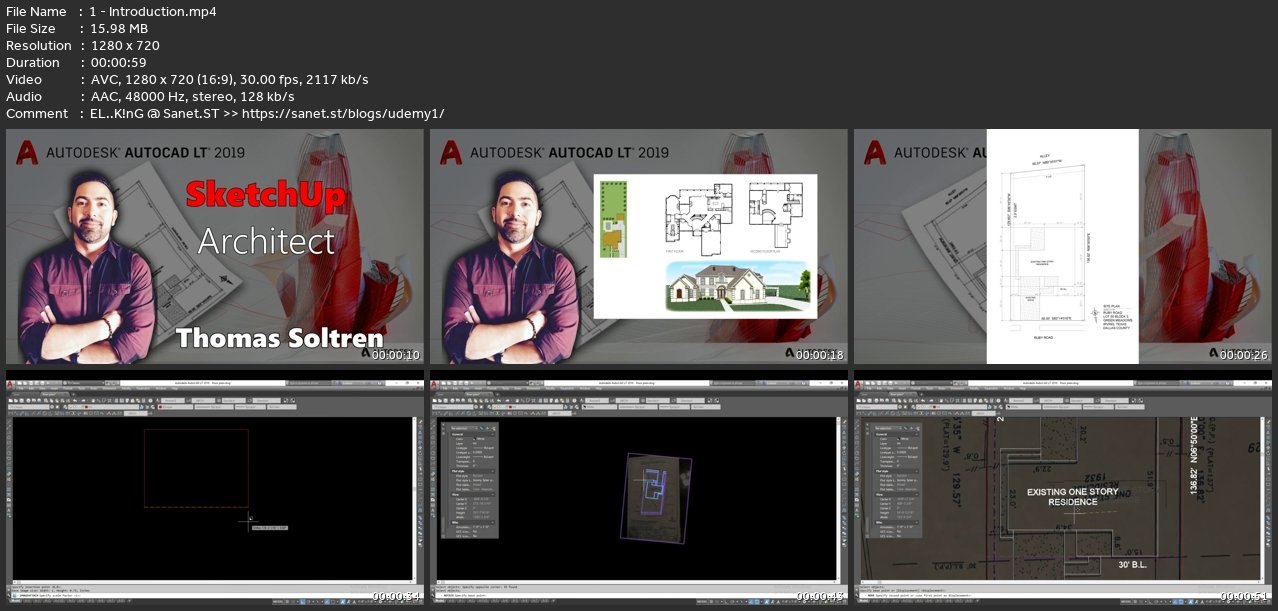
In this course we will re-create a Architectural Site plan using an image we import into autocad. We will go over many tips, methods and shortcuts for drawing in Autocad. We will start with how to insert an image, how to scale it, import coordinates, add annotation and more. Advance your knowledge and skill in Architectural Drafting with the fast and easy course.
Overview
Section 1: Introduction
Lecture 1 Introduction
Lecture 2 Getting Started Importing Site Image into Autocad
Lecture 3 Creating Coordinates for Property lines
Lecture 4 Imputing easements, building lines and placing building on site.
Lecture 5 Adding Driveways, Walkways and Notes
Lecture 6 Adding Dimensions and Hatching
Anyone wanting to learn how to use Autocad and how to create a Site plan
Screenshots
Homepage
without You and Your Support We Can’t Continue
Thanks for Buying Premium From My Links for Support
Click >>here & Visit My Blog Daily for More Udemy Tutorial. If You Need Update or Links Dead Don't Wait Just Pm Me or Leave Comment at This Post
Quick check before we show the links
Helps us keep automated scrapers from hammering the filehosts.