Build Javascript localStorage collections library and publish to NPM
This post was published 6 years ago. Download links are most likely obsolete. If that's the case, try asking the uploader to re-upload.
Genre: eLearning | MP4 | Video:AVC 1280 x 720| Audio: AAC 48.0 KHz
Language: English | Size: 240MB | Duration: 1h 19m
If you are a beginner to intermediate level Javascript developer and want to take your Javascript skills to a whole new level, this is the course for you.
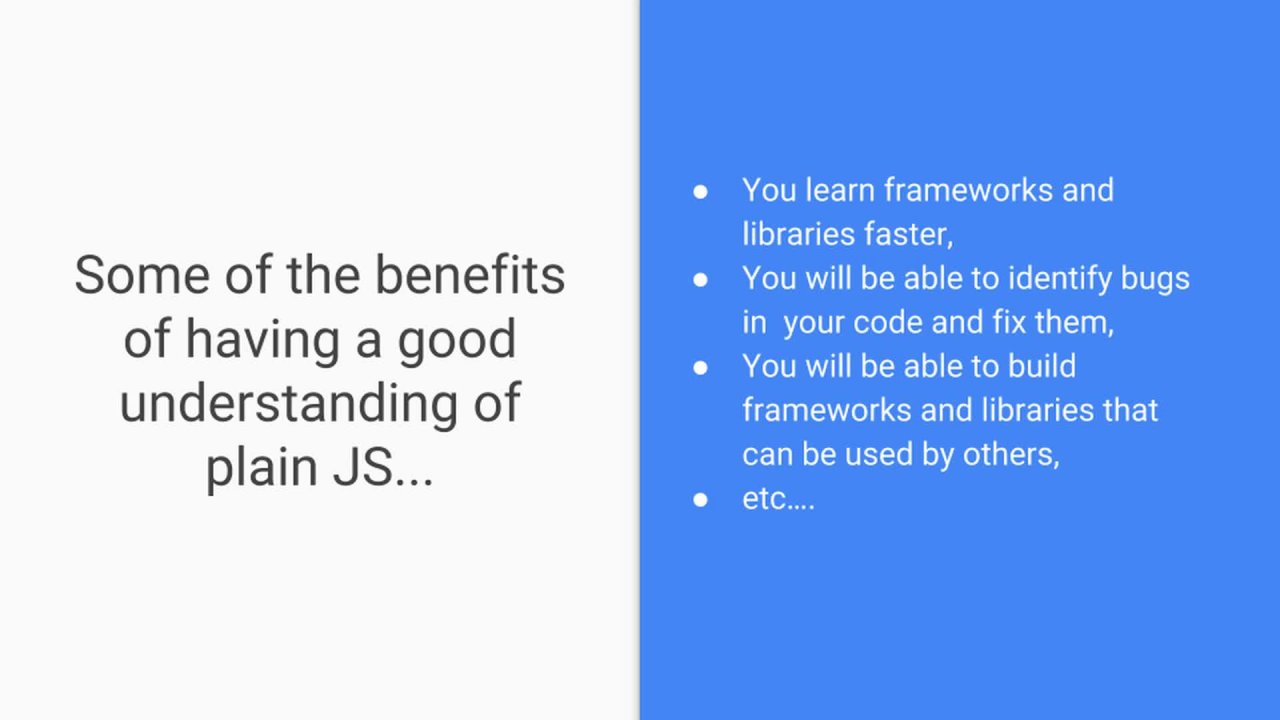
I am sure, too many times, you have heard people state you should use third party Javascript frameworks and libraries when building your apps. It is true, reinventing the wheel when building apps is not recommended. So, you might have thought it is important to just learn frameworks and have neglected the core (Javascript) which is the underlying language in which all those JS frameworks and libraries are written in. If we don't spend time to learn plain Javascript very well, we won't be improving the skills needed to become better Javascript developers and will most likely get stuck when it comes to resolving issues that require us to dive deep into the sources of those frameworks such as Angular, React, Vue.js, etc.
Therefore, I thought, creating this course, which walks you through building a library using just plain Javascript without any third party dependency would be a great way for you to take your understanding of Javascript to the next level.
In this course you will build a library that will enhance the browser's localStorage into a collections based database that will be capable of storing collections of multiple items.
The library you will build will also allow you to find collection items by their ids, update individual collections items, and remove items by ids. You will also learn about different Javascript data types and be able to do type checking throughout your application using helper function you will create.
You will build a class and its methods and create an instance from the class and apply the methods that your just created.
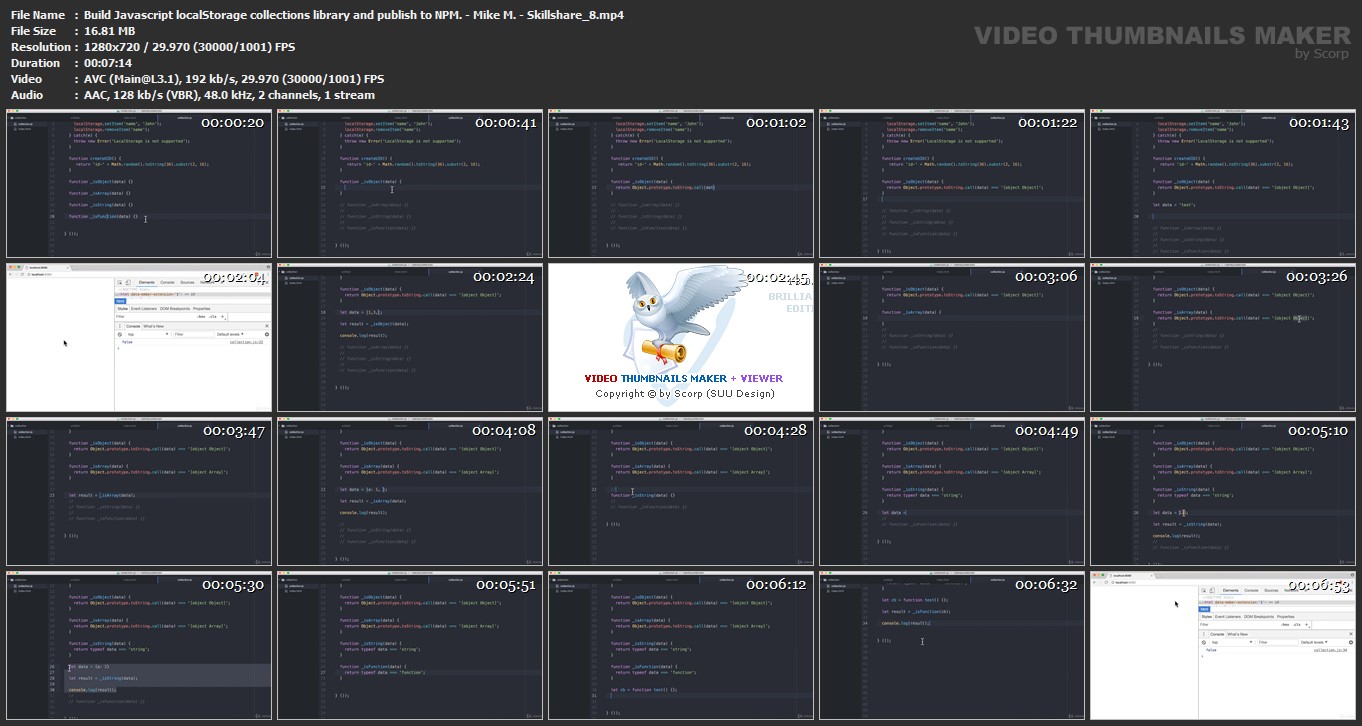
You will see debugging techniques as we will make an extensive use of the Chrome browser's inspector to walk through our code line by line and examine values and states of different variables.
Homepage
Screenshots
Quick check before we show the links
Helps us keep automated scrapers from hammering the filehosts.