Essential Inspect element tool for Web Developers | WordPress
This post was published 5 years ago. Download links are most likely obsolete. If that's the case, try asking the uploader to re-upload.

MP4 | Video: h264, 1280x720 | Audio: AAC, 44100 Hz
Language: English | Size: 166 MB | Duration: 14m
Greetings Everyone!
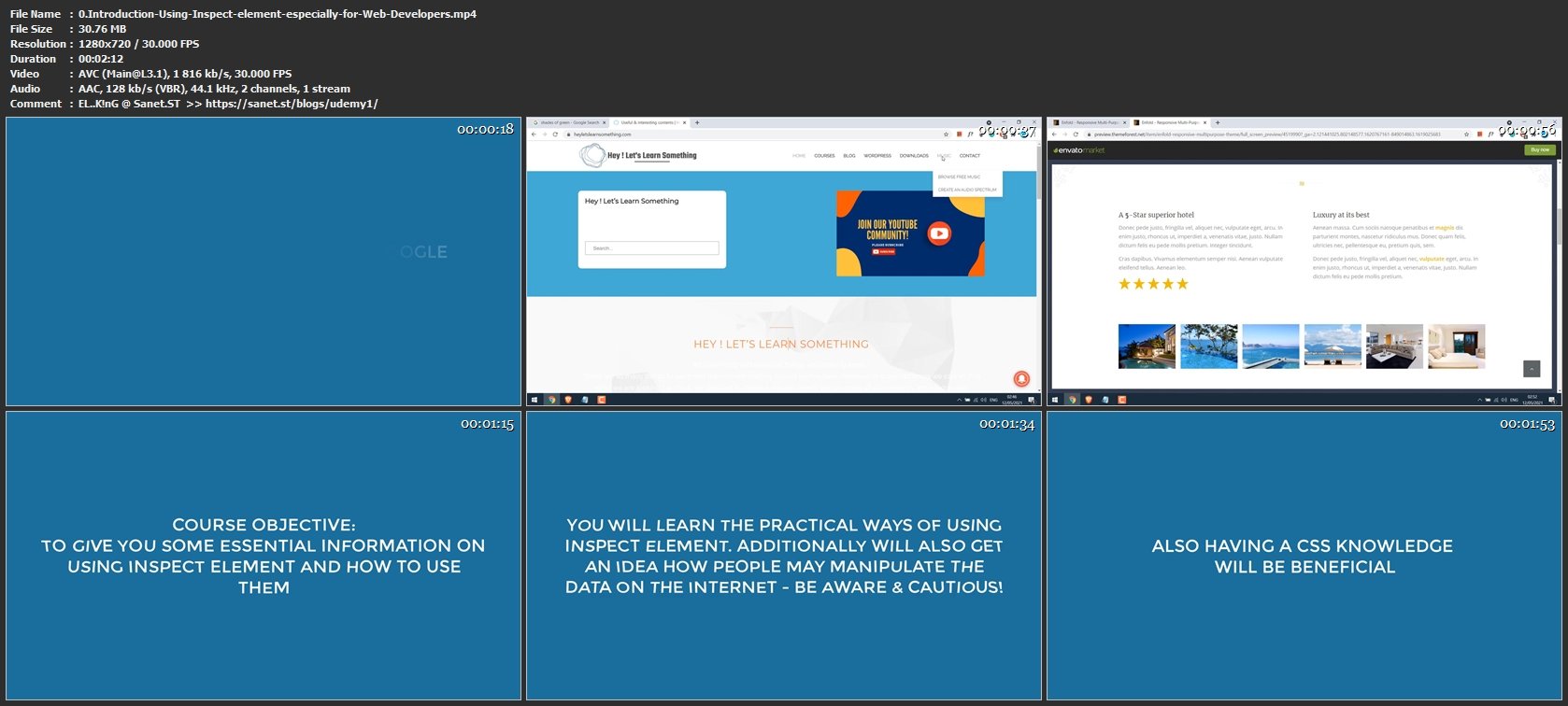
In this course, you will learn some useful tips and tricks using the google chrome inspect element. These tips shall be useful to everyone, but especially to those working on Website development, it can make lots of your work easier.
Here's what included:
1. Color Picker - No need for any extra extensions, inspect element has a default color picker. And if it is not working, learn how you can easily fix them.
2. Using inspect Element for Hiding elements - Having trouble finding the id because the element keeps hiding? This tutorial will quickly cover this too.
3. What was the saved password? - If you have forgotten about your save password, then inspect the element might help you.
4. Change text and images of a site - Useful if you want to see how a demo site looks like, or even how would your site look like after changing the text/images before making the actual changes on the website's backend.
Thus after this course, you should be getting some idea about using inspect element and how it can contribute to your overall designing and Web development process.
So let's get started.
Screenshots
Homepage
Without You And Your Support We Can’t Continue
Thanks For Buying Premium From My Links For Support
Click >> Here & Visit My Blog Daily For More Udemy Tutorial. if You Need Update or Links Dead Don't Wait Just PM Me or Leave Comment at This Post
Quick check before we show the links
Helps us keep automated scrapers from hammering the filehosts.