Boost Salesforce Development with SFDX CLI, Git and VS Code
This post was published 3 years ago. Download links are most likely obsolete. If that's the case, try asking the uploader to re-upload.
Published 07/2022
Genre: eLearning | MP4 | Video: h264, 1280x720 | Audio: AAC, 44.1 KHz
Language: English | Size: 593 MB | Duration: 30 lectures • 1h 17m
Effective use of SFDX CLI, Git and VS Code with minimal usage of commands. Course to start with Salesforce Development
What you'll learn
Project creation with SFDX CLI
Use of Manifest File to Deploy and Retrieve components
Org Browser in VS Code
Creation of Components and Apex Classes from VS Code
Apex Test Execution and Code Coverage from VS Code
Track code changes in SFDX Project with Git
Basic operations of Git such as Commit, Push, Pull
Combined operations of SFDX CLI, Git and VS Code
Effective use of VS Code with magical extensions
Description
In this course, you will be able to write and deploy your codes to Salesforce from VS Code. You will learn basic git operation and its combined operations with SFDX CLI with some power of VS Code.
In these 70 mins, we will install the necessary software. After that, we will kick start with our Hands-on. Starting with SFDX CLI, we will learn project creation, deployment, retrieval, and creation of the components. We will also learn Test class execution and Apex code coverage from VS code. Then we will start with Git including the basic operations of Git. After that, we will focus on the combined operations of SFDX CLI and Git with VS Code. We will learn some cool tricks with VS Code.
If you are a beginner in the Salesforce ecosystem or a learning professional, then this course is perfect for you to speed up your Salesforce development with SFDX CLI, Git, and VS Code.
This course will include the following topics
1. Installation of necessary software
Installation of VS Code
Installation of SFDX CLI
Installation of Git
Salesforce Extension Pack
2. Power of SFDX CLI
Creating SFDX Project
Authorizing Org
Creating and using the manifest file
Retrieving components using the manifest file
Deploying components using the manifest file
Creating deployment package using the manifest file
Deploying and retrieving files without using the manifest file
Org browser in VS Code
Creating class and components from VS Code
Executing test class from VS Code
Check Apex Code Coverage from VS Code
3. Understanding the Git operations
Pushing SFDX Project to Git Repo
Cloning branch to VS Code
Tracking the Code changes
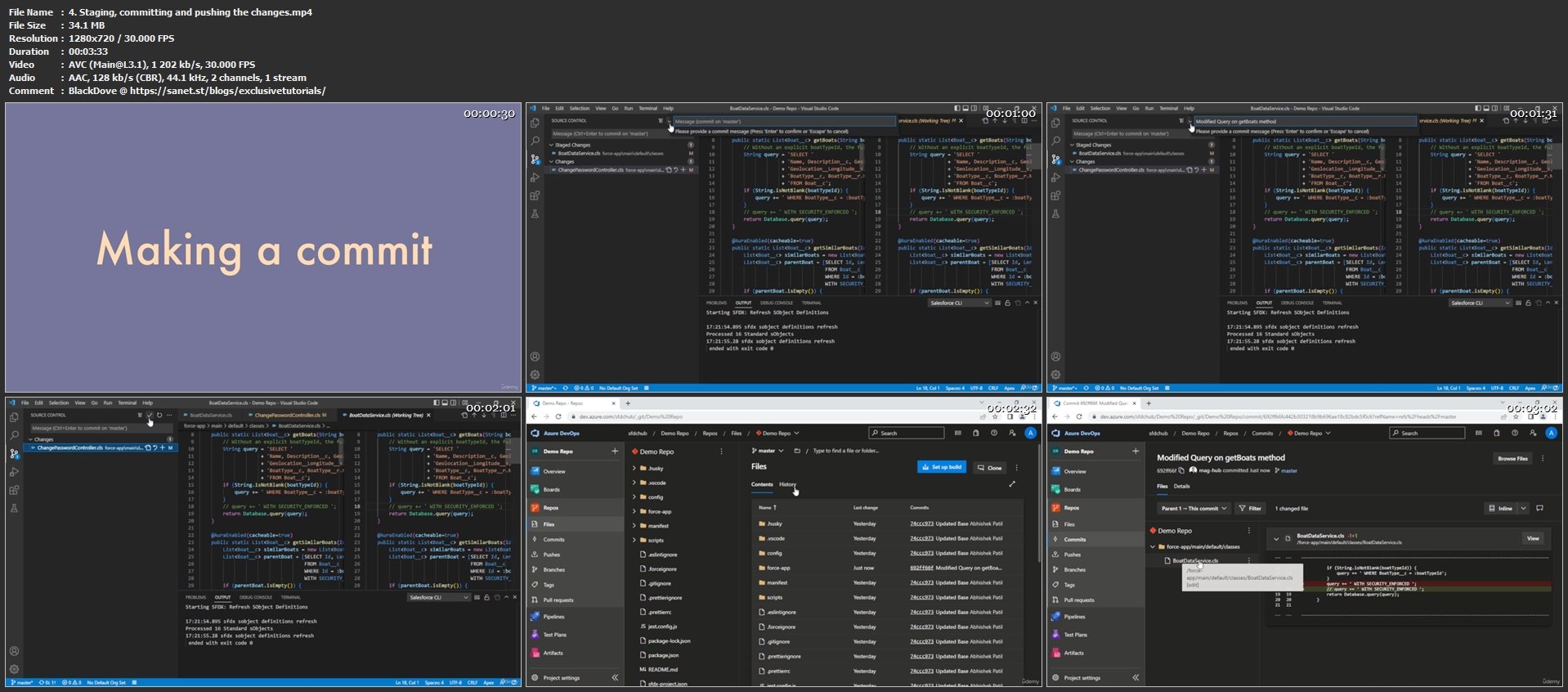
Staging, committing, and pushing the changes
Pulling changes from the cloud repository
Pulling new branches to VS Code
Creating new branches in VS Code
4. Combined use of SFDX CLI and Git
Understanding the combined operations of SFDX CLI and Git
5. Effective use of VS Code
SOQL Query Builder
Anonymous Apex Execution from VS Code
Formatting the Code easily
Code comparing in VS Code
Who this course is for
Beginners in Salesforce ecosystem, looking to speedup Salesforce project development process
Associates with little experince of VS Code, and want to switch from developer console to VS Code
Screenshots
Homepage
Without You And Your Support We Can’t Continue
Please Buy Premium Account From My Links For Support
Click >>Here & Visit My Blog Daily For More Udemy Tutorial. if You Need Update or Links Dead Don't Wait Just PM Me or Leave Comment at This Post
Quick check before we show the links
Helps us keep automated scrapers from hammering the filehosts.