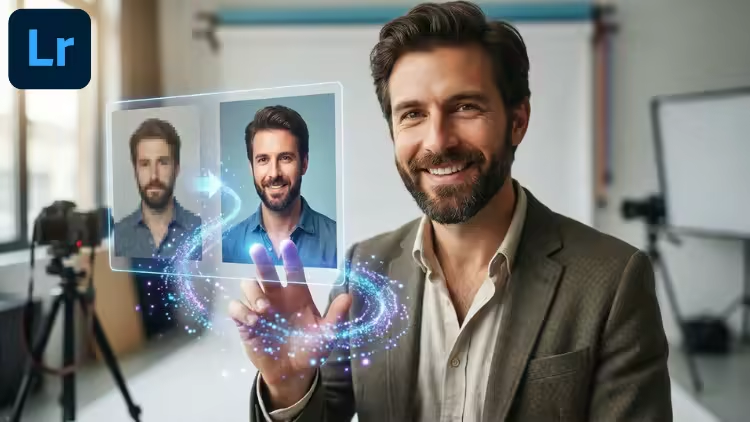
Adobe Lightroom: Master AI Tools. 10x Your Workflow
Published 12/2025
MP4 | Video: h264, 1920x1080 | Audio: AAC, 44.1 KHz, 2 Ch
Language: English | Duration: 52m | Size: 638 MB
Master Lightroom AI to edit photos faster. Covers Generative Remove, AI Masking, Lens Blur, and Smart Search.
What you'll learn
Utilize Generative Remove to erase complex distractions and unwanted objects seamlessly using AI.
Apply One-Click Masking to instantly isolate subjects, skies, and backgrounds for local adjustments.
Retouch portraits faster by automatically selecting specific facial features (eyes, lips, skin, hair) using People Masking.
Add realistic depth of field and bokeh to any image using the AI-powered Lens Blur tool.
Use Intelligent Search to locate images based on their visual content without manual keywording.
Harmonize colors and exposures in landscape photography using specific Sky and Color Range masks.
Automatically apply "Auto Settings" as a baseline to speed up the initial development process.
Execute a full campaign retouching workflow, combining multiple AI tools to edit batches of images efficiently.
Requirements
Adobe Lightroom: You will need the latest version of Adobe Lightroom (Classic or CC) to access Generative Remove and AI masking features.
Basic Familiarity: A general understanding of the Lightroom interface (Library/Develop modules) is helpful, but not strictly required.
No Advanced Skills Needed: We focus on automated tools that lower the barrier to entry for professional editing.
Description
Edit smarter, not harder. Update your workflow with the latest Artificial Intelligence tools in Adobe Lightroom.If you are still manually brushing masks, hunting for photos by date, or spending hours cloning out distractions, you are working too hard. Adobe Lightroom has introduced powerful AI features designed to slash your editing time in half while improving the quality of your results.This course is not a long, boring manual on every slider in the software. It is a focused, tactical guide designed to teach you the specific AI tools that deliver immediate ROI (Return on Investment) for your time. In just over an hour, you will learn how to automate the most tedious parts of photo editing.Why focus on AI in Lightroom?The new AI masking and generative tools allow you to make complex local adjustments—like brightening teeth, smoothing skin, or darkening skies—in a single click. What used to take 10 minutes per photo now takes 10 seconds.Key concepts covered in this course:Generative Remove: The biggest leap in retouching technology, allowing you to remove complex objects and distractions seamlessly.AI Masking: Automatically select subjects, skies, and backgrounds without drawing a single path.People Masking: Isolate specific facial features like eyes, lips, and skin automatically for portrait retouching.Lens Blur: Add realistic optical bokeh and depth of field to photos taken on any camera.Intelligent Search: Find photos based on what is in them (e.g., "dog," "mountain," "red car") without needing manual tags.Whether you are a professional photographer processing a wedding or an enthusiast trying to make your travel photos pop, this course provides the modern skills you need to produce professional work in record time.
Who this course is for
Portrait & Wedding Photographers who need to retouch hundreds of photos quickly and can't afford to spend hours masking manually.
Social Media Content Creators looking for a fast way to make their photos look professional and polished.
Hobbyist Photographers who want to rescue imperfect shots by removing distractions or adding creative blur.
Real Estate Photographers needing quick tools to fix skies and remove clutter from property images.
Quick check before we show the links
Helps us keep automated scrapers from hammering the filehosts.