Greenshot 1.2.7.2 Multilingual + Portable
This post was published 10 years ago. Download links are most likely obsolete. If that's the case, try asking the uploader to re-upload.
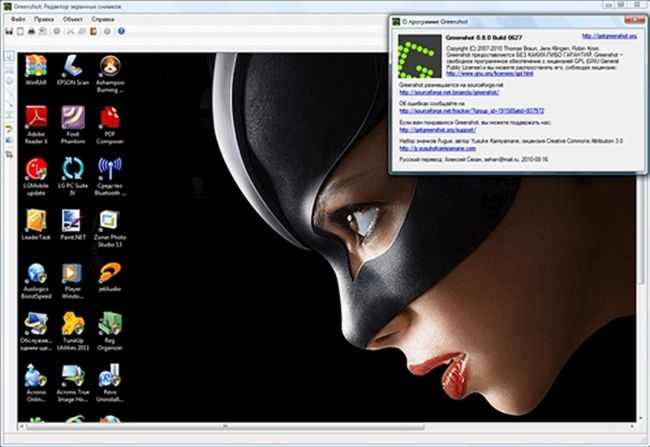
Greenshot 1.2.7.2 Multilingual + Portable | 5.3 Mb
Greenshot is a swift and approachable software solution designed to help users seamlessly take snapshots in several methods, save them to the local directory or upload them to online storage services, print them with customized settings, and more.
Accessibility via the system tray
Those looking for a feature-rich frame grabber will probably find this program to their liking. It supports keyboard shortcuts to quickly grab shots and can be accessed from the system tray area while carrying on with usual activities on the PC.
Pick the preferred file format and upload images to websites
Greenshot is capable of capturing the whole screen, active window, last region, or an entire webpage from Internet Explorer. It can be asked to upload them to Picasa, Photobucket, Imgur, Flickr, Box or Dropbox after specifying the preferred image saving format (BMP, JPG, PNG, TIFF, GIF).
Other destination options and customization settings
The mouse cursor can be included or excluded from the picture. Apart from websites, Greenshot can save the photos to a local directory, copy them to the Clipboard to paste them in other apps, open them in an image editor, send them to the printer or via an email client (Outlook, Thunderbird), and so on.
Configure printing and advanced settings
When printing the captured frames directly, users can rotate them to page orientation, shrink or enlarge them to fit the paper, force grayscale or black and white printing, as well as stamp the time and date at the bottom of the page.
It is possible to preserve the transparency (for PNG) or use the default or custom color, play camera sound, view a magnifier while capturing the screen, hide notifications, switch to interactive window capture mode, and other advanced settings.
Evaluation and conclusion
Greenshot can automatically run at system startup until further notice. It offers support for multiple languages and hotkeys for each capture mode. No error dialogs were shown in our tests, and the app did not hang or crash. CPU and RAM consumption was low.
To conclude, Greenshot provides users of any skill level with intuitive and comprehensive features for taking screenshots, making adjustments and saving them to various locations.
FEATURES
• Create complete or partial screenshots quickly
• Easily annotate, highlight or obfuscate parts of the screenshot
• Send the screenshot to a file, the clipboard, a printer or as e-mail attachment
New in version 1.2.7.2 (October 26, 2015)
Bugs Resolved:
* BUG-1809: OverflowException when changing the windows input language
* BUG-1835: Imgur: uploads were cancelled due to a timeout which was set too small
* BUG-1833: Imgur: API-Key issues when using anonymous uploads
* Github Pull 1: Fixed error calling external command. Thanks to viper3400
OS: Windows XP / XP 64-bit / Vista / Vista 64-bit / 7 / 7 64-bit / 8 / 8 64-bit