Windows 10 RS5 AIO 28in2 1809.10.0.17763.167 November (x86-x64) Multilanguage Preactivated v2 2018
This post was published 7 years ago. Download links are most likely obsolete. If that's the case, try asking the uploader to re-upload.
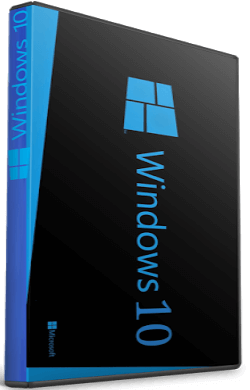
x86,x64 | Language:English,German,Greek,French,Spanish,Portuguese-Portuguese | File Size: 3,26/4,30 GB
Description
Windows 10 is a series of personal computer operating systems produced by Microsoft as part of its Windows NT family of operating systems. It is the successor to Windows 8.1, and was released to manufacturing on July 15, 2015, and to retail on July 29, 2015. Windows 10 receives new releases on an ongoing basis, which are available at no additional cost to users. Devices in enterprise environments can receive these updates at a slower pace, or use long-term support milestones that only receive critical updates, such as security patches, over their ten-year lifespan of extended support.
One of Windows 10's most notable features is support for universal apps, an expansion of the Metro-style apps first introduced in Windows 8. Universal apps can be designed to run across multiple Microsoft product families with nearly identical code—including PCs, tablets,smartphones, embedded systems, Xbox One, Surface Hub and Mixed Reality. The Windows user interface was revised to handle transitions between a mouse-oriented interface and a touchscreen-optimized interface based on available input devices—particularly on 2-in-1 PCs, both interfaces include an updated Start menu which incorporates elements of Windows 7's traditional Start menu with the tiles of Windows 8. Windows 10 also introduced the Microsoft Edge web browser, a virtual desktop system,a window and desktop management feature called Task View, support for fingerprint and face recognition login, new security features for enterprise environments, and DirectX 12.
Information
Name ISO x86:mu_windows_10_consumer_edition_version_1809_updated_nov_v2_17763.167.aio_2018_x86
Name ISO x64:mu_windows_10_consumer_edition_version_1809_updated_nov_v2_17763.167.aio_2018_x64
Size x86:3,26 GB (3.511.517.900 byte)
Size x64:4,30 GB (4.618.267.340 byte)
SHA1 x86:59c367bbb2adb3cfd2edc5ec8a56e98a53a3f12b
SHA1 x64:00bbe202e95dc934efbe9cf54b59fc3428427e7b
Activation: Permantly Activation( Generate Digital License) v51.15
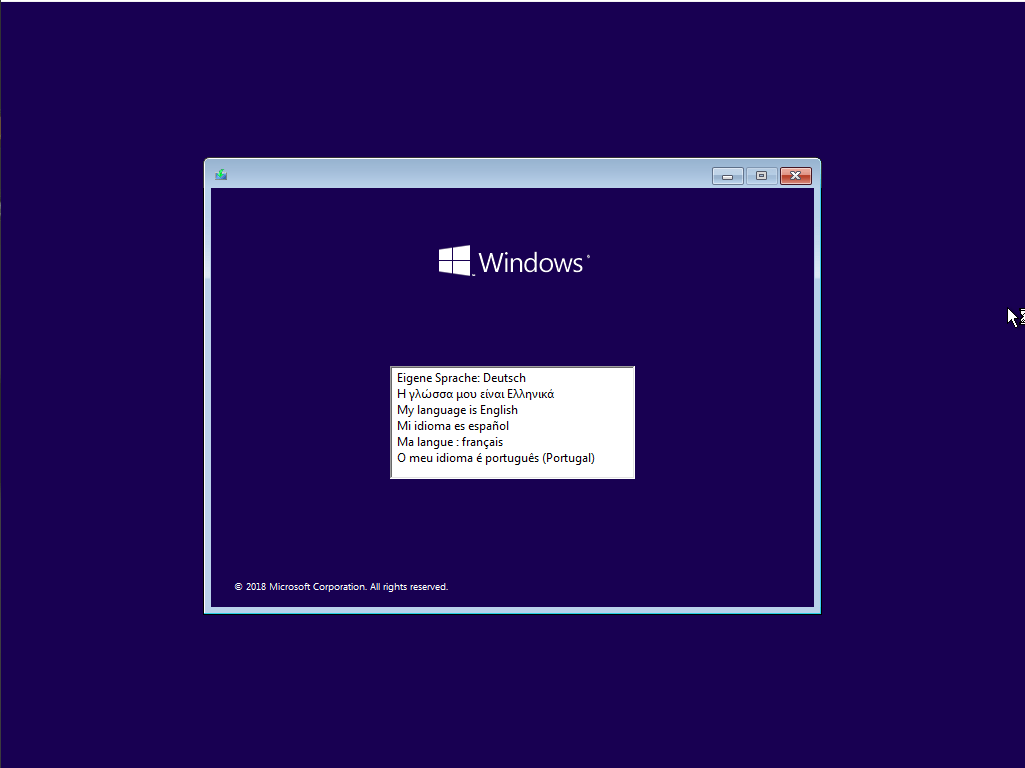
Languages:English,German,Greek,French,Spanish,Portuguese-Portuguese
Build Number:10.0.17763.167
Updates:27/11/2018
Features:Net 3.5 Enabled
Converted:Install.wim<Install.esd
Author:WhiteDeath
Note
if you dont get activated in installation process you can find it inside the iso sources\$OEM$\$$\SETUP\Files folder and do it manually disable antivirus and drag it on desktop then run the activation tool!
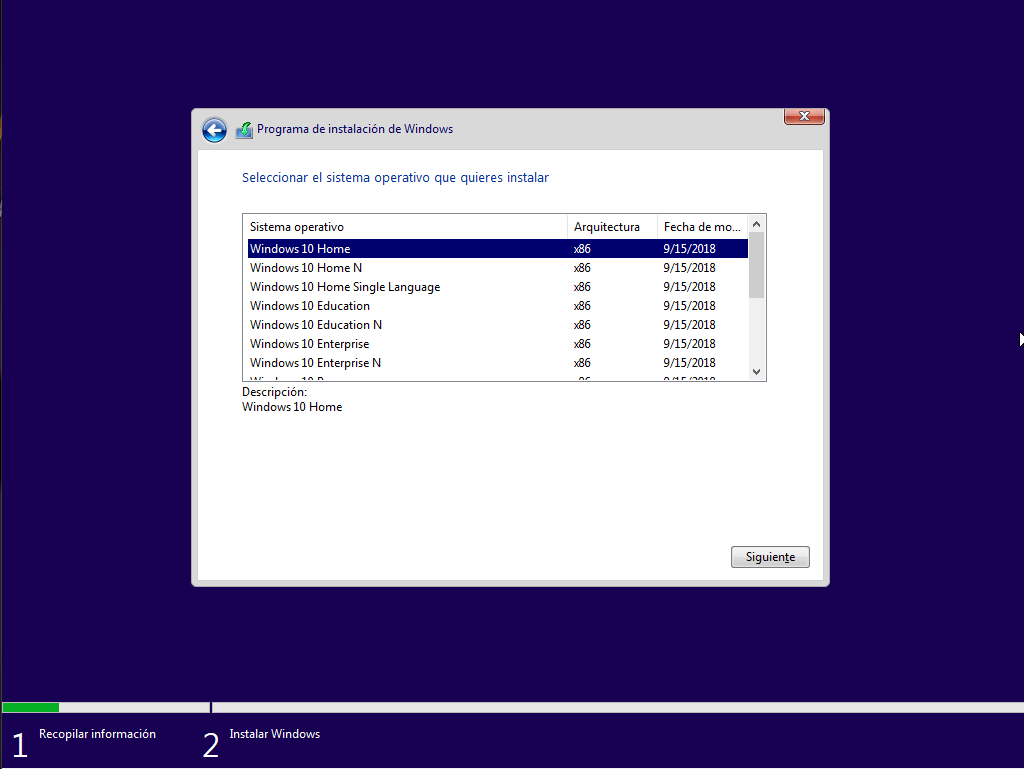
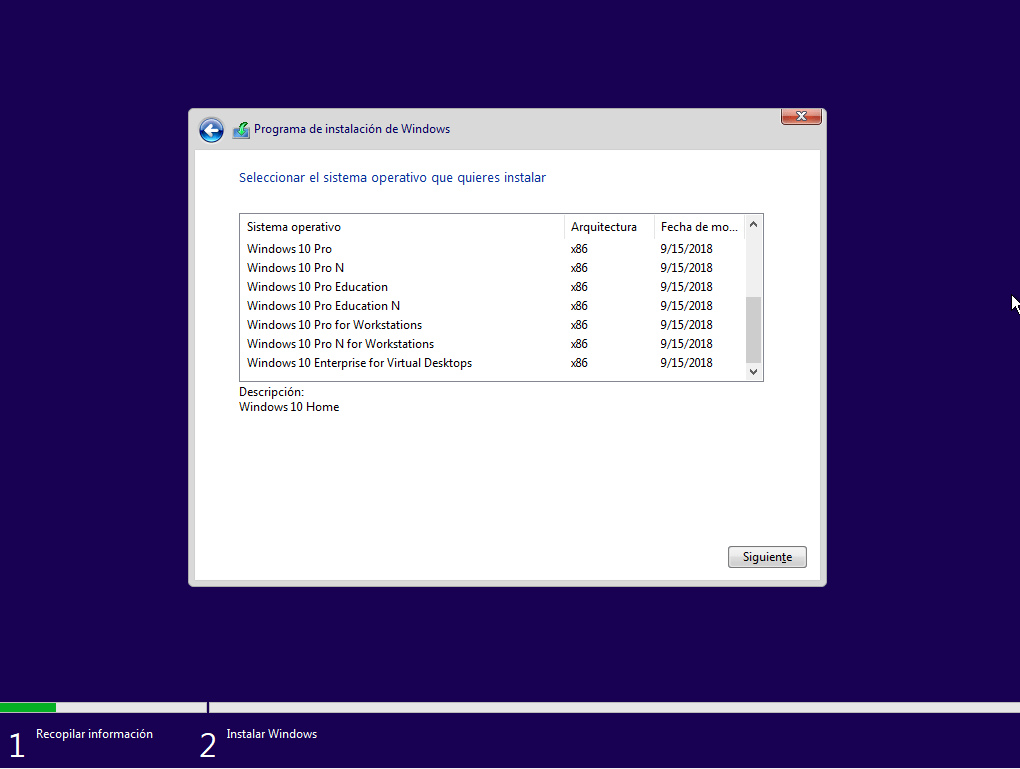
Included Edition
1.Windows 10 Home
2.Windows 10 Home N
3.Windows 10 Home Single Language
4.Windows 10 Education
5.Windows 10 Education N
6.Windows 10 Enterprise
7.Windows 10 Enterprise N
8.Windows 10 Pro
9.Windows 10 Pro N
10.Windows 10 Pro Education
11.Windows 10 Pro Education N
12.Windows 10 Pro for Workstations
13.Windows 10 Pro N for Workstations
14.Windows 10 Enterprise for Virtual Desktops
System Requirements
Processor: 1 gigahertz (GHz) or faster.
RAM: 1 gigabyte (GB).
Free space on hard disk: 16 gigabytes (GB).
Graphics card: DirectX 9 graphics device or a newer version.
Additional requirements to use certain features.
To use touch you need a tablet or monitor that supports multitouch.
To access the Windows store to download and run apps, you need an active Internet connection and a screen resolution of at least 1024 x 768 pixels.
Whats New
KB4470788:Service Stuck Updated
KB4477029:Adobe Flash Updated
KB4465065:Microcodes Updates
KB4469342 Culmitive Updated:
-Addresses an issue in Microsoft Edge with using the drag-and-drop feature to upload folders from the Windows desktop to a file hosting service website, such as Microsoft OneDrive. In some scenarios, files contained in the folders fail to upload, with possibly no error reported on the web page to the user.
-Addresses an issue that degrades Internet Explorer performance when you use roaming profiles or you don’t use the Microsoft Compatibility List.
-Addresses updated time zone information for Fiji.
-Addresses time zone changes for Moroccan daylight standard time.
-Addresses time zone changes for Russian daylight standard time.
-Addresses an issue that causes display settings to stop working when changing a multi-monitor configuration.
-Addresses an issue that displays a black screen on some servers when waking a display from sleep.
-Addresses an issue with long delays in taking a photo when using the Camera app in certain lighting conditions.
-Addresses an issue that prevents live Hulu TV content from playing in Microsoft Edge; instead, a black screen appears.
-Addresses an issue that stops Bluetooth® headsets from receiving audio input after several minutes of listening.
-Addresses an issue that causes the Brightness slider preference to be reset to 50% when the device restarts.
-Addresses an issue with the OEM manufacturing processes when running sysprep /generalize.
-Addresses an issue with Microsoft Intune that causes devices to be incorrectly marked as not compliant because a firewall incorrectly returns a ‘Poor’ status. As a result, the affected devices will not receive conditional access compliance approval and may be blocked from access to corporate resources such as email.
-Addresses a performance issue with vSwitch on network interface cards (NIC) that do not support Large Send Offload (LSO) and Checksum Offload (CSO).
-Updates the Wi-Fi policy for service set identifier (SSID) filtering to avoid filtering out Wi-Fi Direct devices.
-Addresses an issue that causes rasman.exe to stop responding.
-Addresses an issue in which regedit.exe fails to add double null terminator to REG_MULTI_SZ values in the Windows registry. The missing terminator may prevent services and applications from reading REG_MULTI_SZ values that regedit.exe adds after installing the operating system.
-Addresses an issue with RemoteApp visibility that may cause the main window to disappear until the user clicks the screen.
-Addresses an issue that prevents some users from setting Win32 program defaults for certain app and file type combinations using the Open with… command or Settings > Apps > Default apps.
-Addresses an issue that may cause mapped drives to fail to reconnect after starting and logging onto a Windows device.
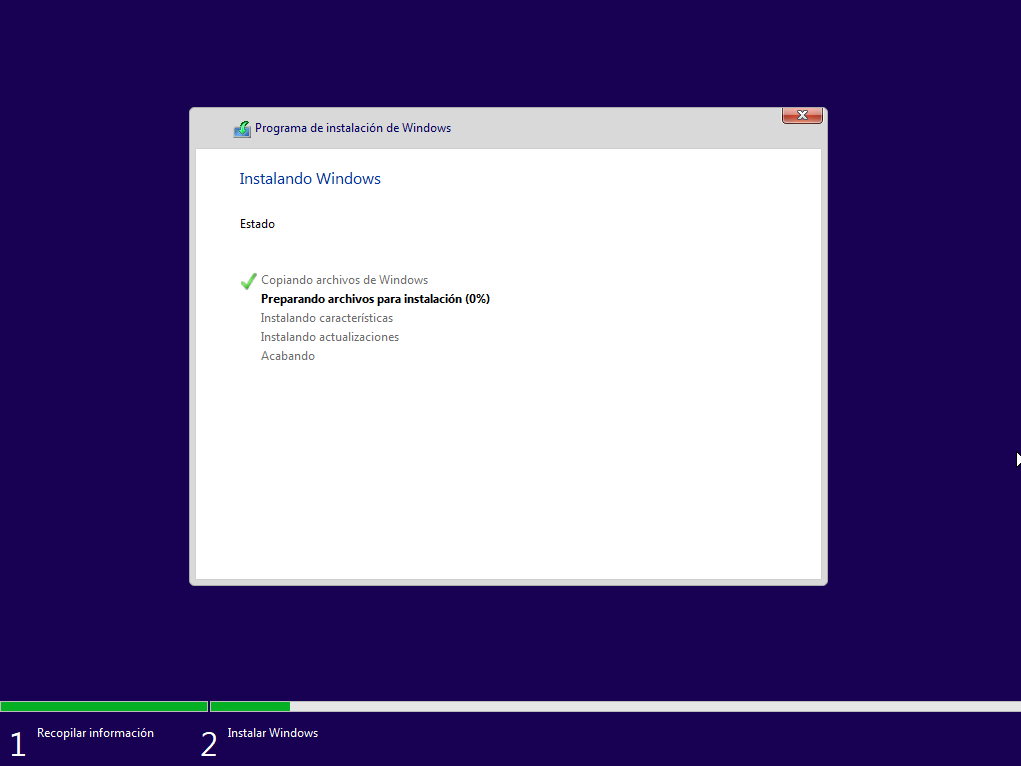
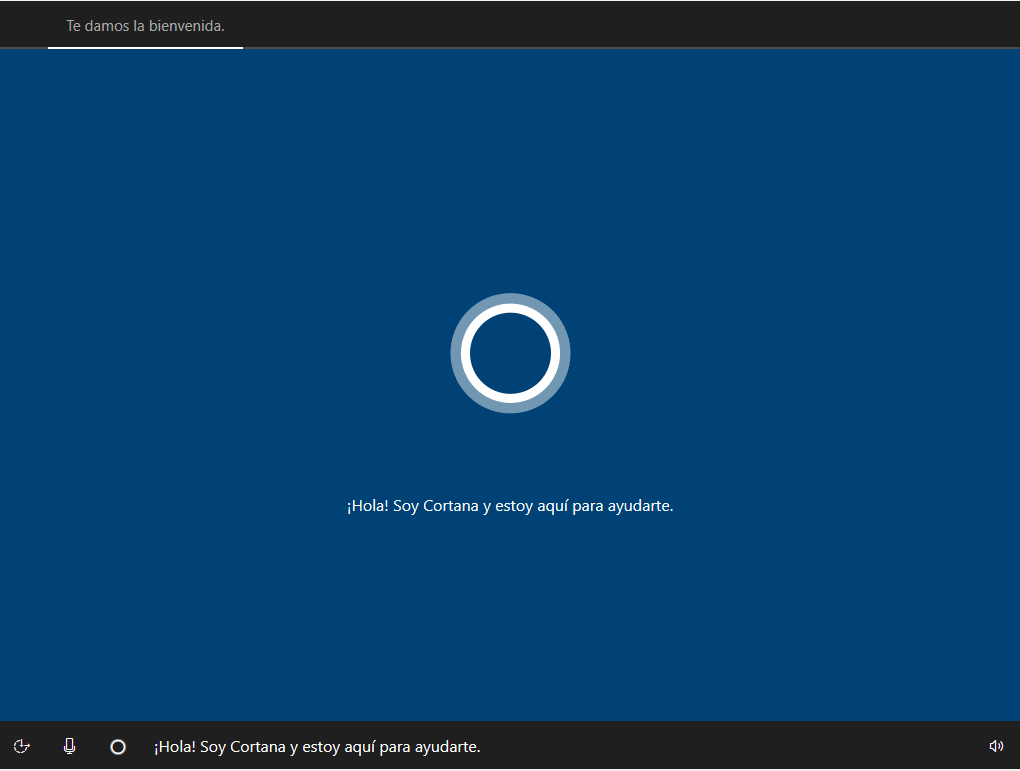
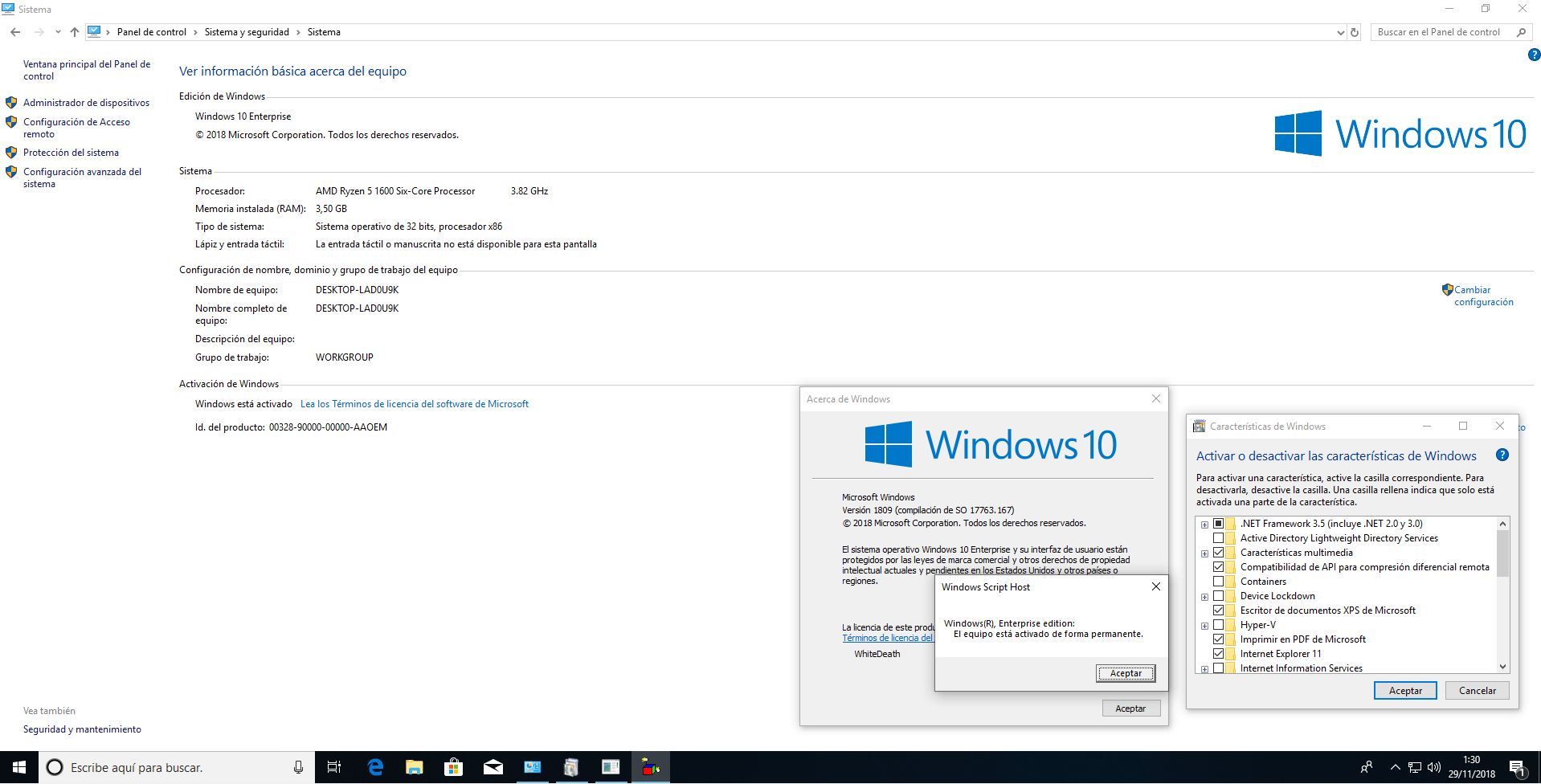
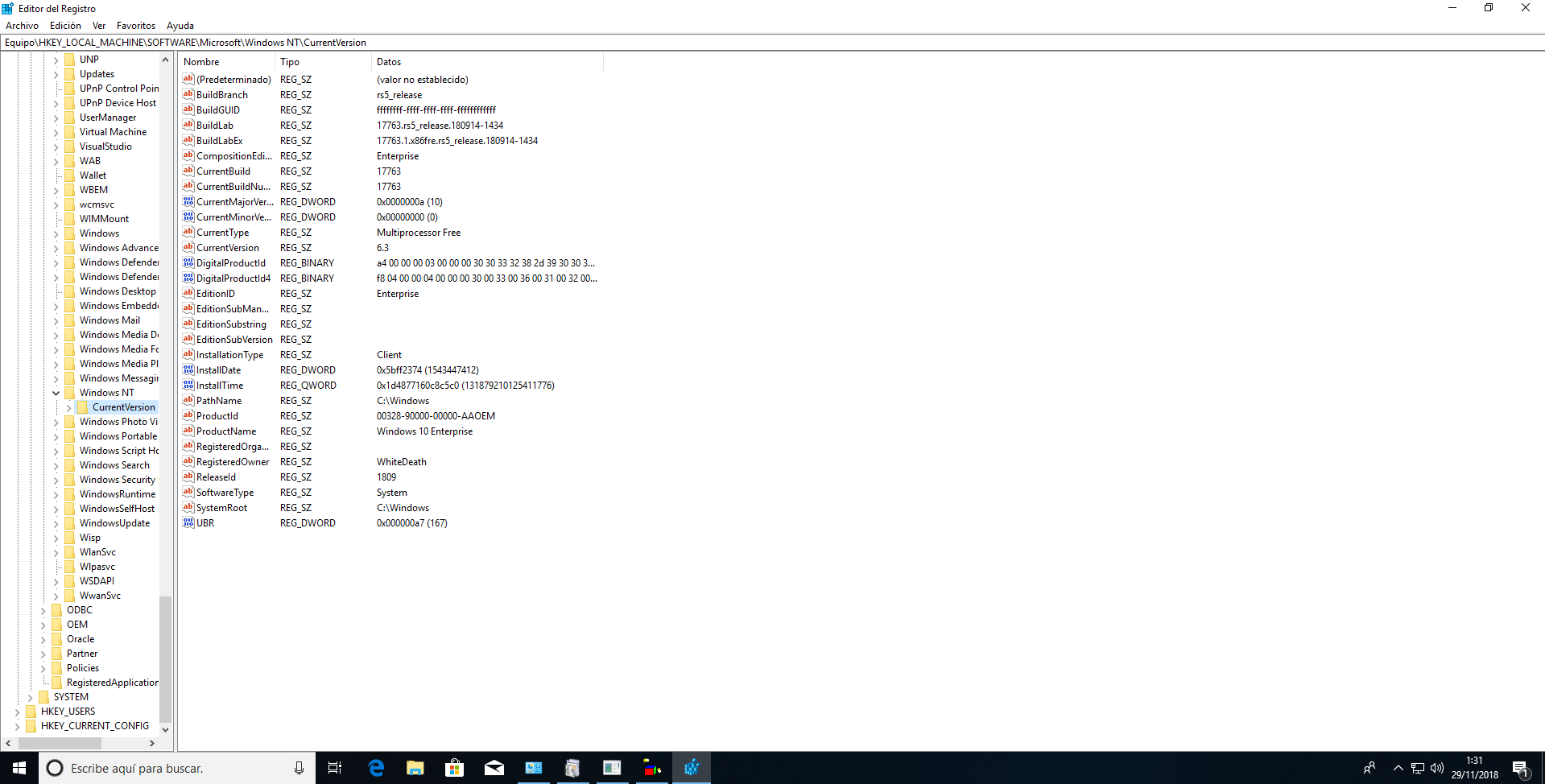
Screenshots
Homepage
Quick check before we show the links
Helps us keep automated scrapers from hammering the filehosts.