SharePoint 2016: Branding SharePoint Sites
This post was published 8 years ago. Download links are most likely obsolete. If that's the case, try asking the uploader to re-upload.
Duration: 56:10 | Video: h264, 1280x720 | Audio: AAC, 48kHz, 2 Ch | 450.5MB
Genre: eLearning | Language: English
Learn how to alter the default appearance of SharePoint sites and brand them for your business. Not a designer? Don't worry! Gini von Courter shows how to customize your site in a few clicks using the built-in themes and composed looks in SharePoint 2016. She also shows how to add logos, backgrounds images, and custom colors and fonts, so that your site feels like it fits your company's brand. Plus, learn how to upload your customizations to the theme gallery so that other people in your company can take advantage of your work.
Topics include:
Choosing a theme
Modifying themes
Adding images
Working with composed looks
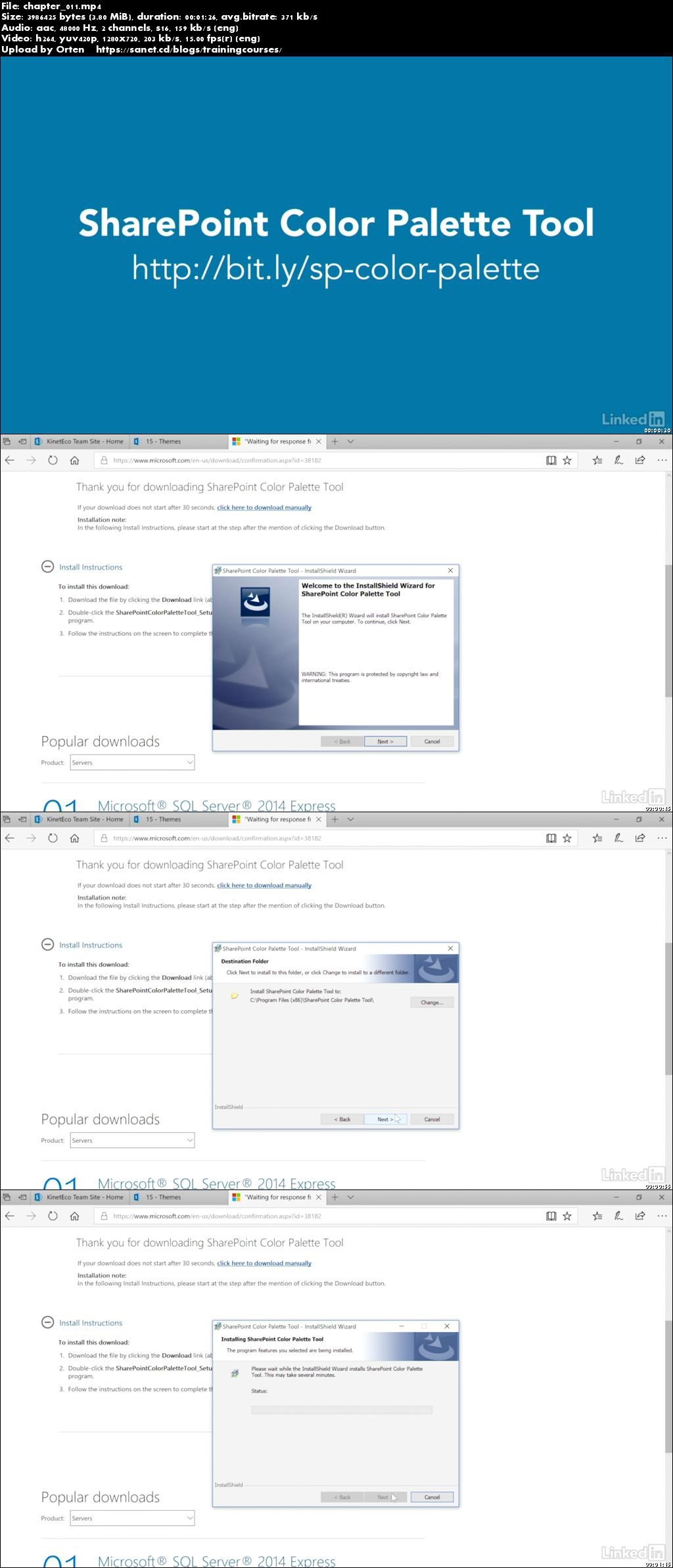
Creating custom color palettes
Adding to theme gallery
Screenshots
Quick check before we show the links
Helps us keep automated scrapers from hammering the filehosts.