Kali Linux on Windows 10 First Look
This post was published 7 years ago. Download links are most likely obsolete. If that's the case, try asking the uploader to re-upload.

MP4 | Video: h264, 1280x720 | Audio: AAC, 48 KHz, 2 Ch
Genre: eLearning | Language: English + .SRT
Level: Intermediate | Duration: 30m 46s | 85.7 MB
Kali Linux is packed with penetration and analysis tools that can help you thoroughly test your systems for weaknesses. In this course, learn how to use Windows Subsystem for Linux to run this security-focused Linux distribution right on your Windows desktop—without the use of a virtual machine. Here, instructor Scott Simpson provides a quick overview of Kali Linux and steps through how to set it up on a Windows 10 machine. Plus, he goes over a few of the tools that Kali offers, shares how to set up a graphical user interface (GUI), and explores how to manage and reset the Kali environment.
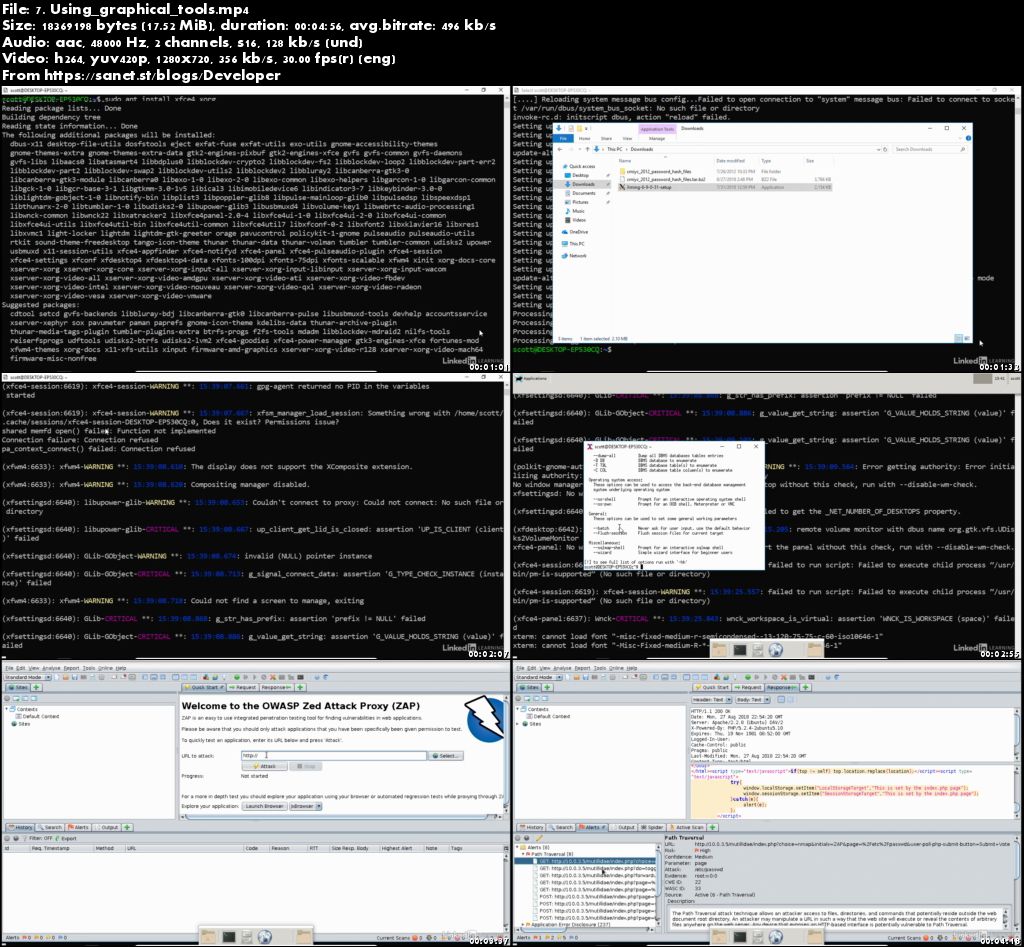
Screenshots
Quick check before we show the links
Helps us keep automated scrapers from hammering the filehosts.