How to Design Low-Content Books in PowerPoint
This post was published 6 years ago. Download links are most likely obsolete. If that's the case, try asking the uploader to re-upload.

Created by Rebecca Livermore | Last updated 12/2019
Duration: 2 hours | 23 lectures | Video: 1280x720, 44 KHz, 2 Ch | 645 MB
Genre: eLearning | Language: English + Sub
What you'll learn
Designing Low-Content Books in PowerPoint
Requirements
It's helpful to have basic PowerPoint skills, but isn't required. Some of the techniques require an Office365 subscription, but for most lessons, latest versions of the Windows versions of PowerPoint will work.
Description
Low-content books such as journals, planners, and workbooks are popular for good reason. Here are just a few of the benefits:
They’re much faster and easier to create than other books.
They can make nice companion books to your other books. For instance, you can create a workbook, planner, or journal that goes hand-in-hand with your other book(s).
You can create a low-content book for your own use, designed exactly the way you desire.
They make excellent gifts.
You can add them to your list of products or create an entire business based on low-content books
The great news is, you don’t need any special or expensive software to create beautiful books. All you need is something you likely already have – PowerPoint.
This course provides step-by-step instructions for using PowerPoint to create a variety of low-content book pages. Among other things you’ll learn:
How to properly set up your pages
A trick for adding margins to your PowerPoint slides
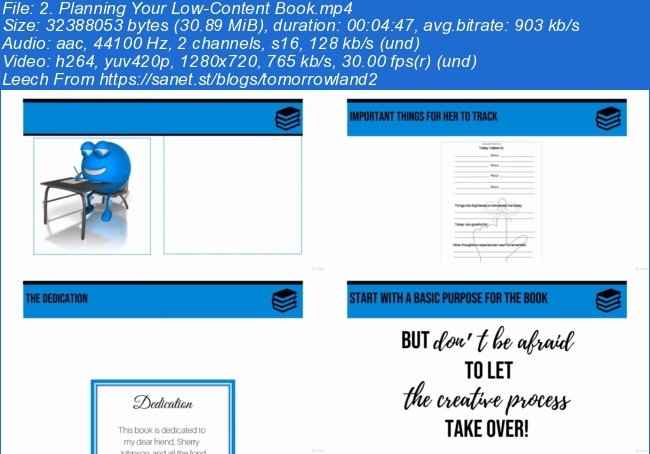
How to create a variety of page types such as lined pages, dot (bullet-style) journal pages, graph paper, and more
How to create a variety to your pages using elements such as borders, lines, shapes, images, and more
By the end of this class you’ll be able to quickly and easily create unique low-content books in PowerPoint that you can gives as gifts, use for your own purposes, or make available to others in print or PDF form.
Who this course is for:
Authors and others that want to create low-content books such as journals, planners, and workbooks without using fancy design software.
Screenshots
~~~~ Welcome to my Blogs ~~~~
Do not forget to check it every day!
If You should find any files not found, please PM me~ Download Download: Best Software for All
~ Tomorrowland2: Video Training
~ Pluralsight Tutorials: All Pluralsight Videos
~ EbookSA: Best Ebooks
~ Graphic World: Best Graphics
Quick check before we show the links
Helps us keep automated scrapers from hammering the filehosts.